
Morrow
Something under the floorboards that learned your name
Voice category
Horror in audio is not about volume. It is about a voice that is slightly wrong — too calm, too close, one beat slower than a person would be. CastDub gives you the voices for that, and the per-line control to place the wrongness exactly where the scene needs it.
Morrow
Something under the floorboards that learned your name
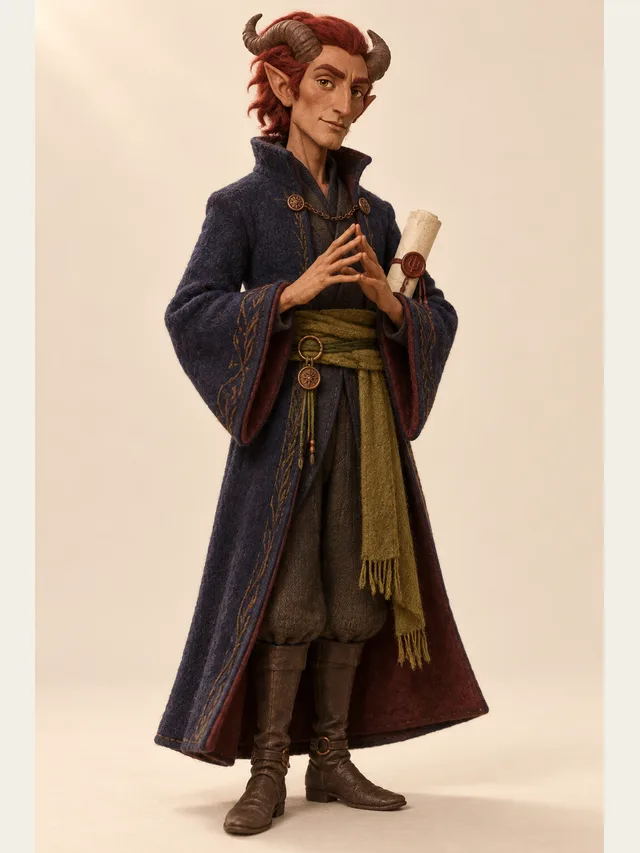
Vex
Negotiates in a perfectly reasonable tone
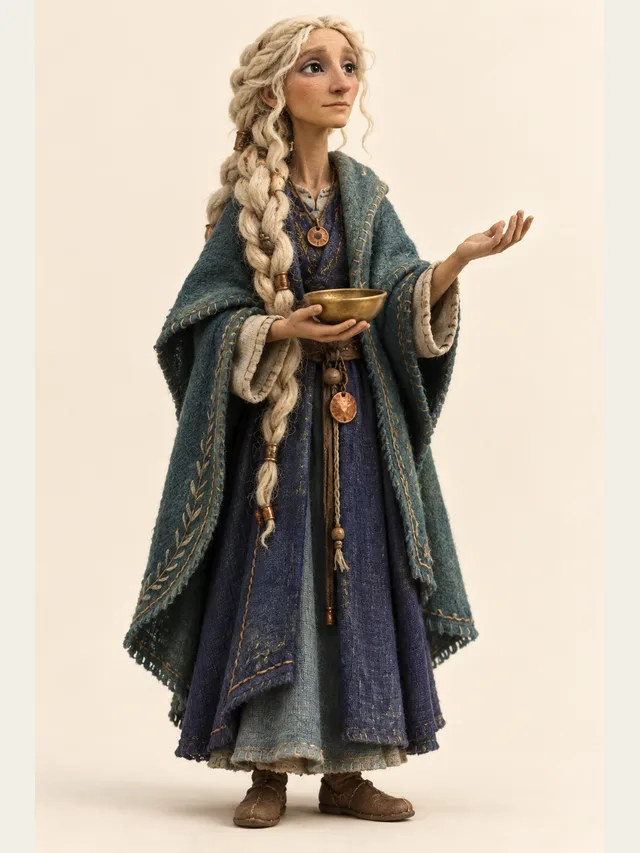
Delphi
Answers the question you should have asked
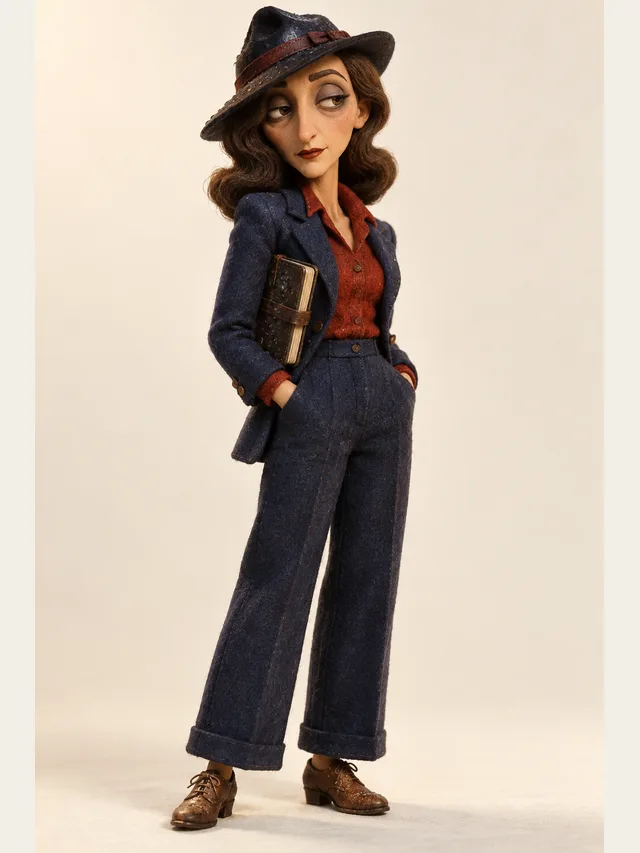
Sable
Narrator describing her own bad decisions
Every voice is available on every plan — the library is not a paywall.
No account needed. Type one line, choose who says it, and listen.
In film, the audience sees the threat and the tension comes from anticipation of what it will do. In audio, the audience never sees it, and the tension comes from not knowing what it is. This changes what a voice has to do. A visual monster can roar because we can see it; an audio monster that roars has just told us it is a monster, and the scene deflates.
The classic radio-drama technique is to keep the threatening voice within the human range and make it wrong in one specific way — too close to the microphone, too unhurried, answering a question nobody asked. One clear wrongness beats five effects, because the listener's imagination does the rest and it is better at this than you are.
Every experienced audio-horror producer will tell you the same thing: the gaps carry the fear. A three-second silence after a line lands harder than any sound you could put there, because the listener leans in, and leaning in is the state you want them in.
Practically, this means writing punctuation deliberately and splitting lines to create pauses rather than relying on the renderer to guess. CastDub treats each line as a separate performance with a gap between, so line breaks are your timing control. Use them.
A pattern that works reliably: start with two people having an ordinary conversation, introduce one line that is slightly off, let the ordinary conversation continue as if nothing happened, then let the off thing repeat. The escalation is structural, not vocal — the voices barely change, but the listener's reading of them does.
Direct this by keeping almost everything neutral. If you mark twelve lines as frightening, none of them are. Mark one, and the eleven around it become frightening by association.
Horror fiction is explicitly welcome here, including the unpleasant kind. The limits are about real people, not about intensity. Do not generate a cloned voice of a real person saying threatening things. Do not produce audio aimed at frightening a specific individual. Do not use the tool to fabricate a recording of someone.
These are not squeamishness about the genre. They are the difference between fiction and a weapon, and it is a line the genre itself has always respected.
Draft the scene with no shouting at all. If it is frightening at a conversational volume, it will be devastating once you add one raised line.
Pick a voice whose calm does not match what it is saying. Menace comes from mismatch — a pleasant voice describing something awful is worse than a growl.
Mark individual lines as whispered rather than whispering a whole scene. A whisper only reads as intimate and threatening when it is surrounded by normal speech.
Pauses are the instrument. Put full stops where you want the listener to wait, and split lines to create gaps. Silence is the one horror effect no voice model can ruin.
Export the stems on Pro and place the threatening voice slightly off-centre. Horror audio is a headphone format; check it the way your audience will hear it.
Not in the render, and asking for a line again gives you a new take rather than a second copy of the same one, so the classic doubled effect comes from the editor: duplicate the line, offset or pitch the copy, and layer them. We deliberately do not bake heavy distortion into the render — distortion is a mixing decision, and baking it in makes it impossible to undo.
Because a scream tells the listener where the danger is and how bad it is. A calm voice withholds both, and the listener fills the gap with something worse than you could have written. This is the oldest rule in radio horror and it predates every tool involved.
Not in the render. That is reverb and filtering, done in your editor on the exported stem. Generate the performance clean and treat it afterwards — a clean take can be made distant, but a treated take cannot be made clean.
Fiction is fine, including violent fiction. What is not allowed is audio designed to harass a real person, threats aimed at identifiable individuals, or cloned voices used to make someone appear to say something they did not. Those are account-closing uses.
Fewer than you think. A great deal of horror audio is two voices and a narrator, because isolation is part of the genre. The free plan's two-cast limit covers a surprising amount of it.
Yes, on any paid plan. Basic suits a weekly episode; Pro is worth it if you want stems, because horror mixing depends almost entirely on placing voices in space.
Paste a script, let CastDub assign a voice to every character, and export a finished drama.
Create for freeNo credit card. Free gives you a one-time pot of credits.