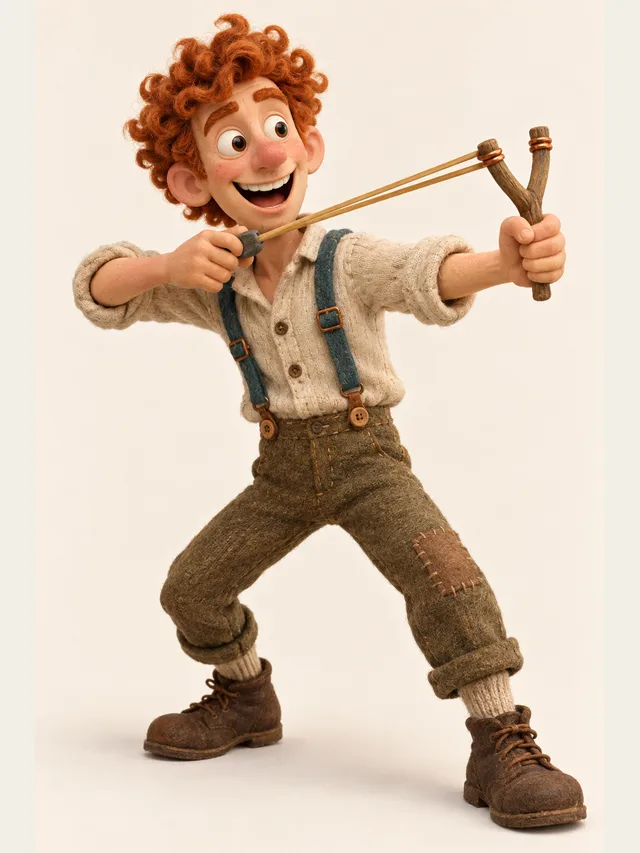
Brix
Sidekick made of enthusiasm and bad ideas
Voice category
Cartoon voices live or die on contrast. A tiny frantic sidekick next to a slow enormous villain is funny; two medium voices are not. CastDub lets you cast the whole spread in one project, hear them against each other immediately, and swap anyone who is not pulling their weight.
Brix
Sidekick made of enthusiasm and bad ideas
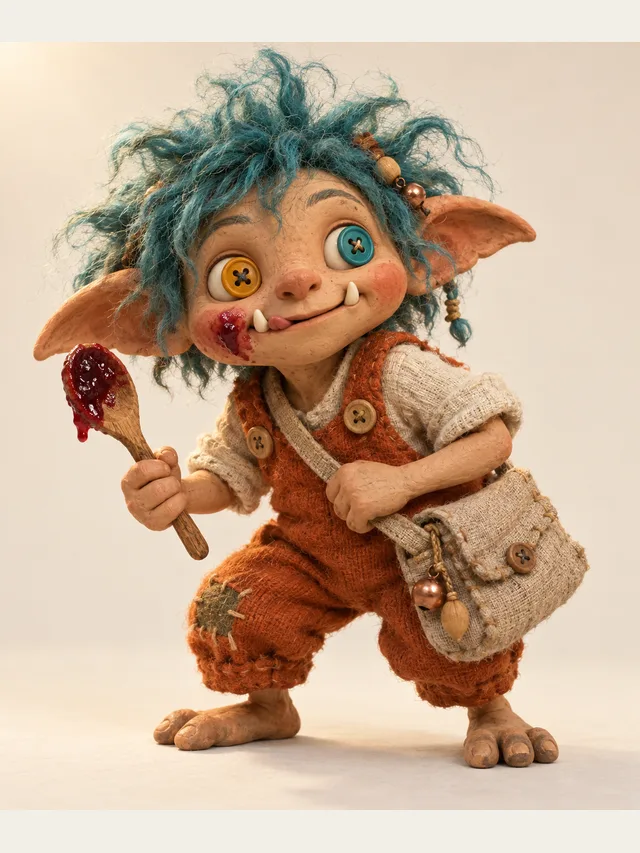
Pip
Small chaotic gremlin who means well
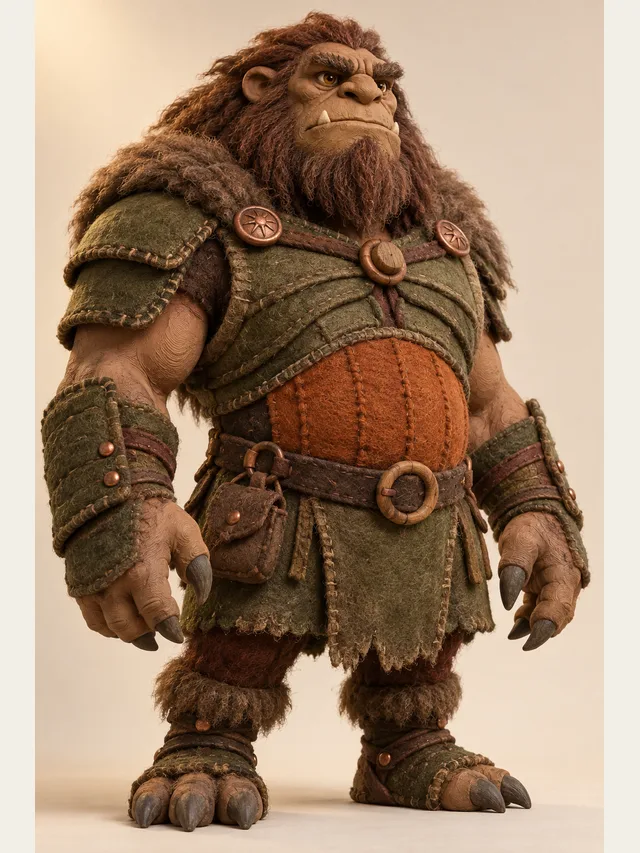
Grit
Monster with a chest cavity the size of a bus
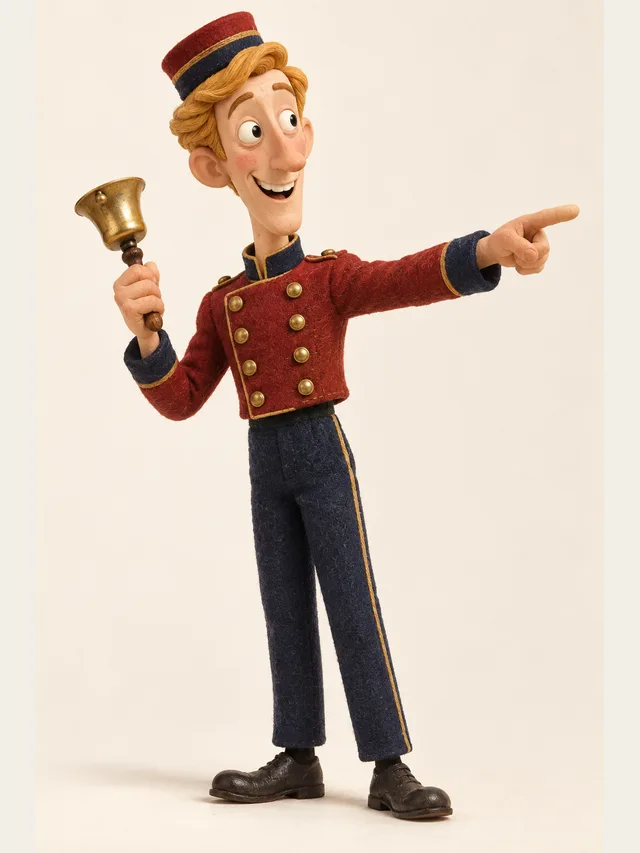
Bellhop
Comic relief NPC who repeats himself on purpose
Every voice is available on every plan — the library is not a paywall.
No account needed. Type one line, choose who says it, and listen.
Traditional animation studios cast a cartoon ensemble the way a composer writes for instruments: they want the parts to be separable. You can hear this in any long-running series — the characters occupy different pitch bands, different speaking speeds and different amounts of air. Nothing about that requires expensive voices. It requires deliberate spread.
When a home-made cartoon soundtrack feels muddy, the cause is almost always that every character was cast from the same narrow band of pleasant, neutral voices. The fix is uncomfortable at first: pick one voice that is too high, one that is too low, and one that talks too fast. Played back in sequence they will feel exaggerated. Played back in a scene they will feel like characters.
Three habits make a big difference. First, one intention per line — a line that swings from delight to horror will be rendered as an average of both. Split it. Second, punctuation is direction: a full stop makes a real pause, an ellipsis makes a longer one, and a question mark lifts the end of the phrase. Third, write the interjections out. "Ugh." on its own line becomes a performance; "(groans)" in front of a line directs how that line is said, but never becomes the groan itself.
The fourth habit is less obvious. Cartoon scripts are full of names, invented words and onomatopoeia, and those are exactly what a text-to-speech engine guesses wrong. Check the invented words first; there is no pronunciation setting, so respell the ones that come out wrong, or hyphenate them, and use that spelling everywhere.
Most people working alone build the audio before the picture, because animating to a locked soundtrack is enormously easier than the reverse. That workflow suits this tool well: get the performance right, export the stems, then animate the mouths to audio that is not going to change.
If your workflow is the other way round and you already have picture, use the subtitle export (Plus and Pro) to place lines against the timeline, then adjust pace per line to fit the gaps. It is fiddly, but it is faster than re-recording a human.
It will not imitate a specific commercial cartoon performer, and we will not build a clone of one. That is both a policy and a practical limit — voices that sound like a famous character are the fastest route to a takedown, and studios are actively watching for them.
It also will not invent comic timing you did not write. The renderer performs the line you gave it at the pace you asked for. If the joke does not land on the page, hearing it out loud will tell you so clearly, which is arguably the most useful thing a tool like this does.
Cartoon comedy is reaction-driven, so write the reactions as their own lines rather than as stage directions. A separate two-word line gets its own performance; a parenthetical directs the line beside it instead of becoming one.
Pick voices that sit far apart in pitch and pace. If two characters trade a lot of lines, make sure a listener can tell them apart with their eyes closed — that is the only test that matters in audio.
Audition every candidate on the same punchline rather than on a neutral sentence. A voice that sounds great reading exposition can flatten a joke completely.
Comedy is timing. Slow the big villain down and speed the sidekick up with line-level speed on Plus and Pro, and set emotion per line on Pro so the panic beats read as panic instead of as volume.
Take the full mix for a quick share, or on Pro the per-character stems if you are animating to the audio and need to slide individual lines around.
Yes — the library includes characters at both ends of the range, and on Plus and Pro you can push them further with pace. There is no pitch control, and a neutral adult voice pitch-shifted three octaves would sound processed anyway. Start from a character that is already close to the target.
They do, and it is one of the most common uses. Keep the pace slower than you think you need for young listeners, and avoid stacking three high-pitched voices in a row — it gets tiring fast on small speakers.
Not inside a single render. Overlapping dialogue is a mixing decision, so export the stems and overlap them in your editor. Stem export is on the Pro plan.
Characters live inside a project and do not carry over, so make one project per episode and pick the same library character, persona and default emotion each time. The same voice is not guaranteed in a new project, so listen to the character's first line before you export episode four.
The real constraint is your credits, which are counted in characters of script each time you export. Free gives about five minutes once — a trial pot, not a monthly allowance — and the paid plans reset every month: Basic sixty, Plus two hundred, Pro five hundred, all estimated for English. Every export counts the whole script again, so plan by character count and export when the episode is final. Generating and previewing use no credits but are capped at a number of lines per 24 hours.
On any paid plan, yes — commercial use is included. The free plan is for personal, non-commercial use only.
Paste a script, let CastDub assign a voice to every character, and export a finished drama.
Create for freeNo credit card. Free gives you a one-time pot of credits.