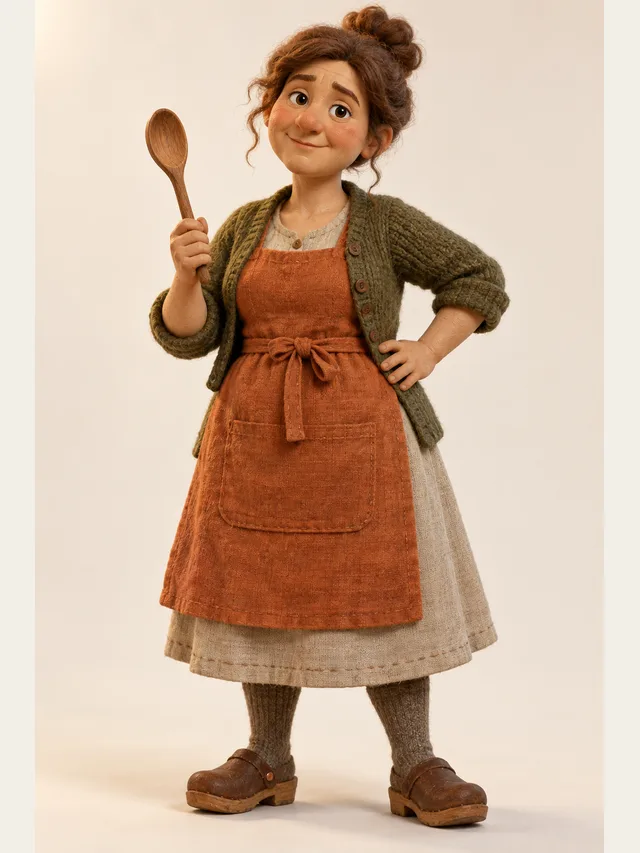
Hazel
Mum voice: patient, then suddenly not
Cloning
Voice cloning is open, and it works one way only: you read a short consent statement aloud — your name, today's date, and that you agree to this recording being used as your voice — and that recording becomes the voice. There is no separate sample to upload and no way to submit someone else's audio, because the consent and the voice are the same file. It is a reading voice: it says the words and follows line speed, but it does not act out emotions or directions the way the library characters do.
Hazel
Mum voice: patient, then suddenly not
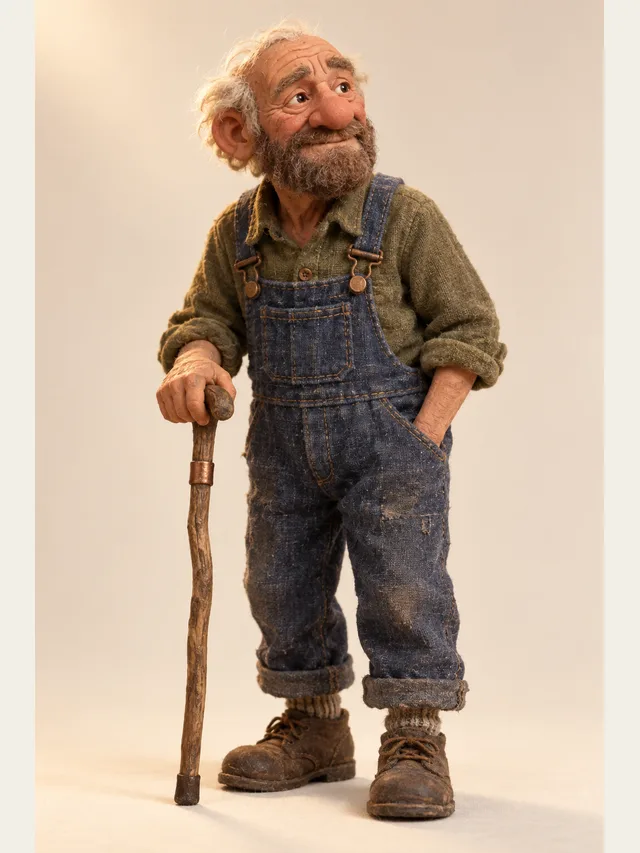
Orrin
Old man on a porch who remembers the flood
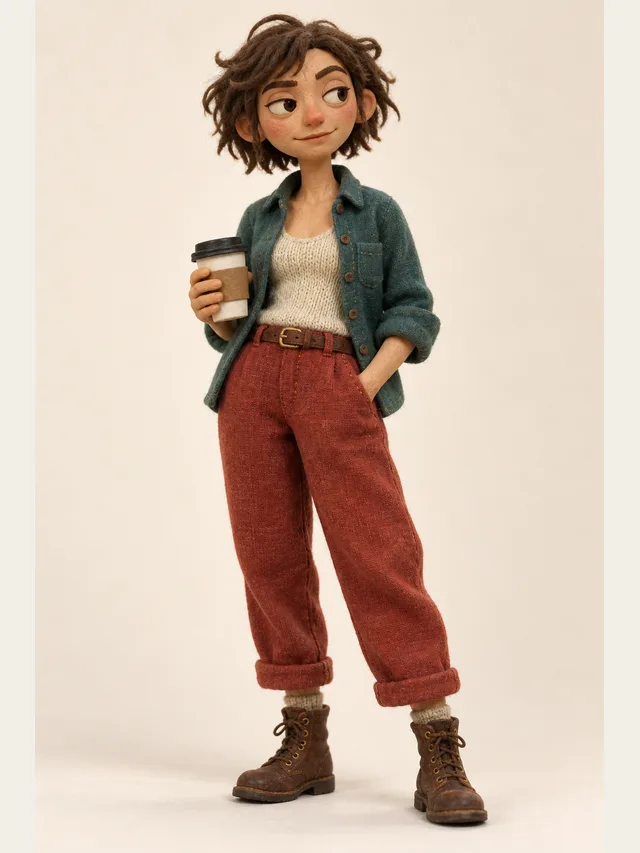
Tess
Australian lead with a flat, dry delivery
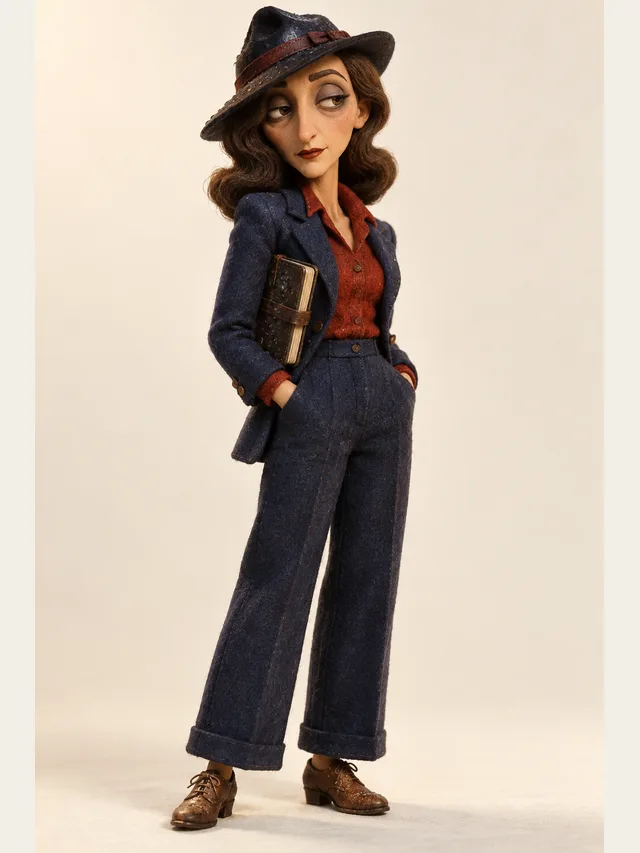
Sable
Noir detective narrating her own bad decisions
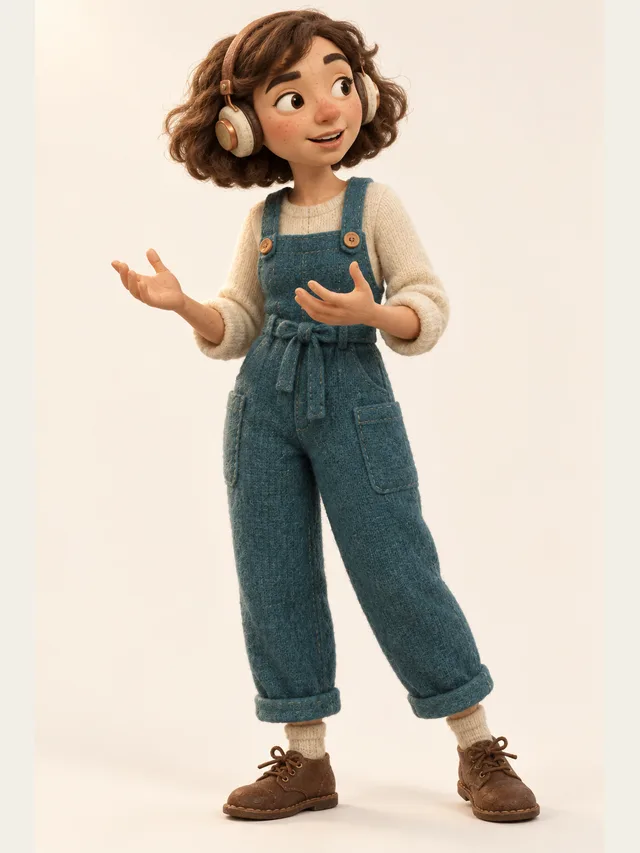
Juno
Podcast host who thinks out loud and never reads a script
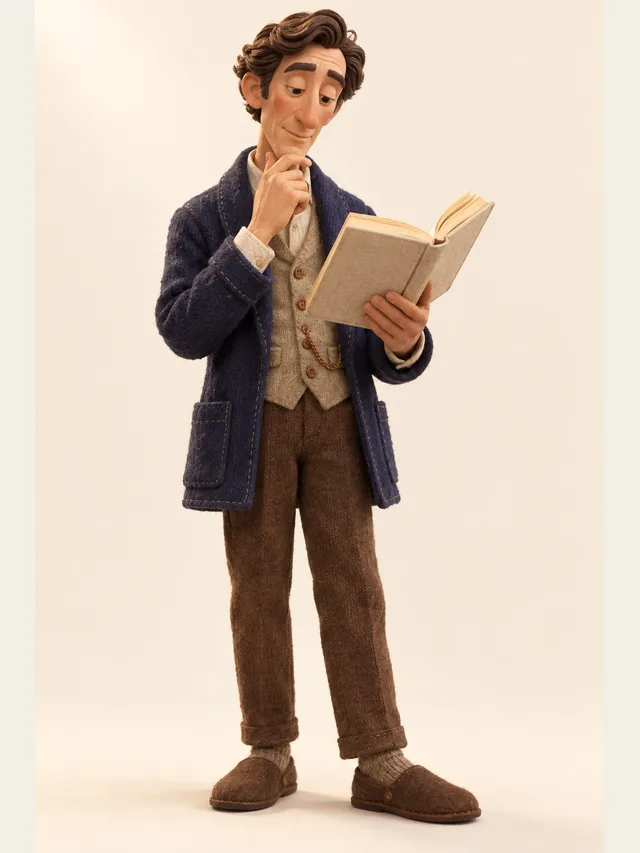
Dorian
Audiobook baritone for literary fiction and slow reveals
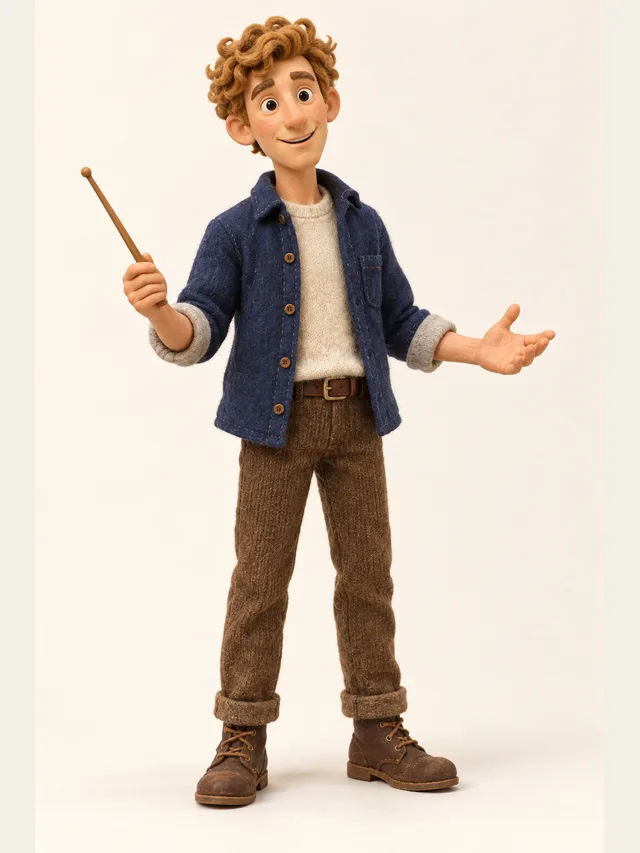
Quill
YouTube explainer voice that never sounds bored
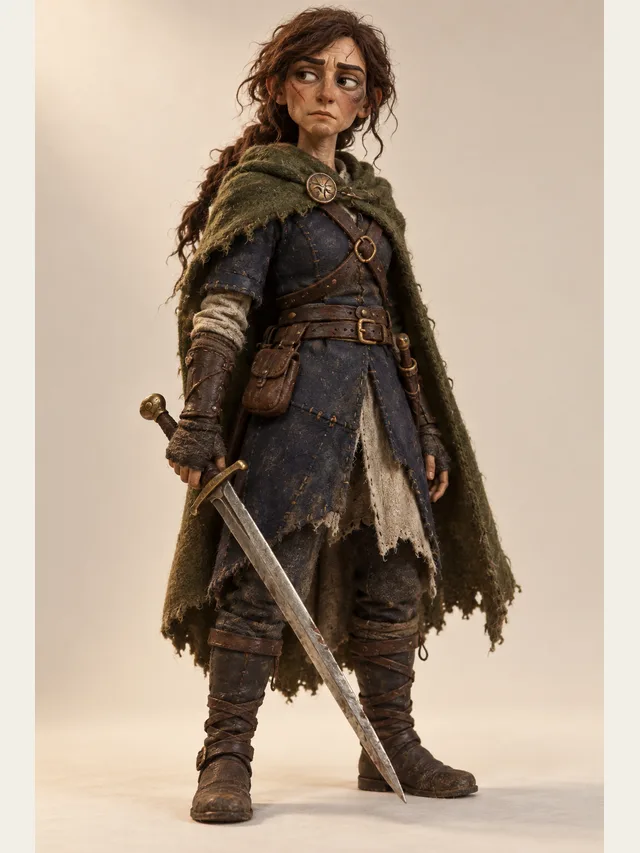
Kestrel
Low, weary swordswoman who has already lost this war once
The statement takes eight to fifteen seconds to read. Record it in the browser — a phone works — or upload a recording of yourself reading the same statement. Recordings must be between 4 and 30 seconds and at most 10 MB.
We do not accept a random clip. The recording you clone from is the statement itself, which ties every cloned voice on the service to a specific person saying, on a specific day, that they agree. You also confirm two things before recording: that the voice is your own, and that you are 18 or older.
A clone recorded in one language can read lines in any of the nine the studio supports — an English recording can read Japanese. How natural that sounds varies from voice to voice, so listen to a few lines before you commit a whole script to it.
A cloned voice reads the text as written and follows the line speed setting. Emotions and bracketed acting directions have no effect on it; the studio says so on any character that uses a clone. If a part needs performing, cast a library character for it.
During the open beta cloning is available on every plan. A cloned line is counted like any other: synthesis counts toward your daily line limit, and downloads use credits exactly as they do for library voices.
Deleting a clone in the studio removes the recording and every line that was generated with it. Characters that used it go back to their library voice, and those lines need generating again.
Tick that the voice is your own and that you are 18 or older. The rules on who may not be cloned are linked right there.
Enter your name and a display name for the voice. The studio shows the consent statement to read, with today's date filled in.
Read the statement once, in a quiet room, at the pace and tone you want to hear back. Play it back and re-record if it is noisy. Or upload a file of yourself reading the same statement.
Pick the clone from the voice menu on a character card, the same way you would pick a library character, then generate a line or two to check it.
Remove the clone from the studio at any time; its recording and the lines made with it go with it.
Most cloning products have a clause in their terms saying you must have permission. A clause cannot be checked: the platform has no idea whether the person in the recording agreed, and after the fact there is nothing to look at.
Here the only audio a clone can be made from is a person reading, in their own voice, a statement that names them, gives the date and says they agree. That is a little friction — about ten seconds — and it means every cloned voice comes with its own evidence of consent rather than a ticked box.
It also filters out the uses that should not happen. A podcast clip, a film scene or a voicemail cannot be turned into a clone, because none of them is that person reading the statement.
Public figures and performers, including under a parody or research framing. A synthetic recording of an identifiable person is indistinguishable from a real one once it leaves your project, and no disclaimer travels with an audio file.
Minors, under any circumstances, including with parental consent. A cloned voice of an identifiable child is a tool for impersonating that child, and no creative requirement justifies creating one.
Deceased people. This is the request we handle most often and most carefully, usually from someone who wants to hear a parent or grandparent again. Consent cannot be obtained, and in most jurisdictions an estate cannot grant it retroactively. What we can help with is casting a voice that sits in the register you remember and using it as a character rather than as an impersonation.
No voice model is trained. Your recording is the voice: it is stored on our servers, and each time a line is synthesised it is handed to our speech synthesis provider through a link that stops working after ten minutes, together with the text of the statement and the line to be read.
It stays until you delete it. Deleting the clone deletes the recording and the audio generated with it. If you believe someone has cloned your voice without your consent, contact us and we will remove it; you do not need to hold the account that made it.
The clone takes its sound from those few seconds, so they matter more than anything else. A quiet, soft room beats an expensive microphone in a kitchen. Keep the same distance from the microphone throughout, and read at the pace and in the tone you want to hear back.
Then test it on a line from your actual script rather than on the statement, which it will always handle well. If it sounds off, delete it and record again — the statement is short enough that a second take costs almost nothing.
Yes — that is the only thing cloning here does. You read the consent statement once, and that recording becomes a voice you can give to any character in your projects.
Not from your account. Every clone has to be the account holder's own voice, read in their own words. Your friend can sign up and clone their own voice, but clones stay in the account that recorded them.
No. The only audio accepted is you reading the consent statement the studio gives you. An upload is allowed, but it must be a recording of that same statement in your own voice.
No. It reads the words and follows line speed, but emotion settings and bracketed acting directions have no effect on it. For lines that need acting, cast a library character.
All nine the studio supports, not only the one you recorded in. How natural it sounds in another language varies, so listen before you commit a script to it.
Up to 3 per account. During the open beta cloning is available on every plan, and cloned lines use the same allowances as any other line: they count toward your daily synthesis limit, and downloads use credits as usual.
You can, at any time, from the studio. The person whose voice it is can also ask us to remove it, whether or not they hold the account. Deleting removes the recording and the audio generated with it.
No. That is a performer's voice, and cloning it is prohibited regardless of how transformative the project is. Cast a voice in a similar register instead — it is legal, it works, and it is what most people end up preferring anyway.
Paste a script, let CastDub assign a voice to every character, and export a finished drama.
Create for freeNo credit card. Free gives you a one-time pot of credits.