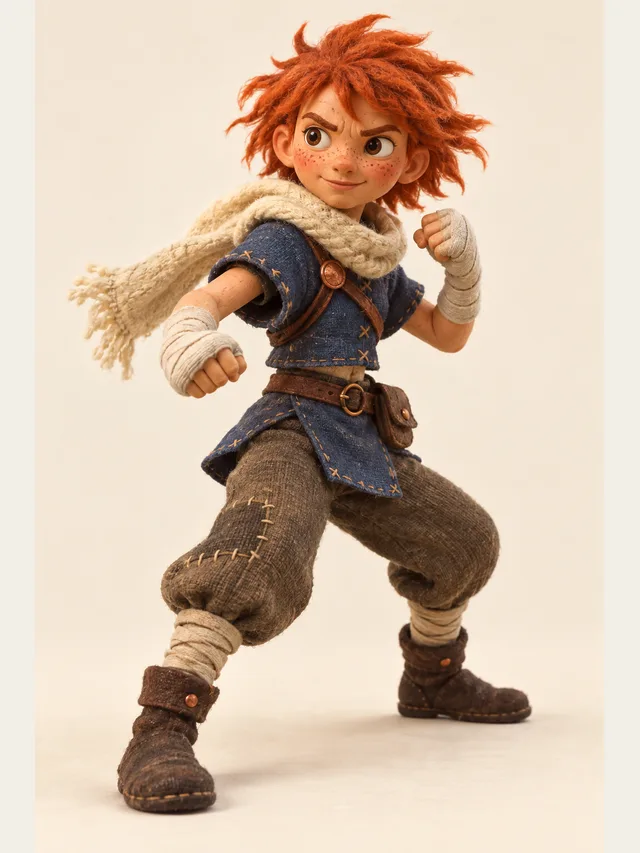
Aria
Shonen lead who narrates her own fight scenes
Voice category
Most anime voice generators hand you one voice and a text box. That is fine for a meme and useless for a scene. CastDub reads your script, notices there are four people talking, and gives each of them a separate performer — the bright lead, the clipped rival, the tired mentor, the gremlin. You direct; it renders.
Aria
Shonen lead who narrates her own fight scenes
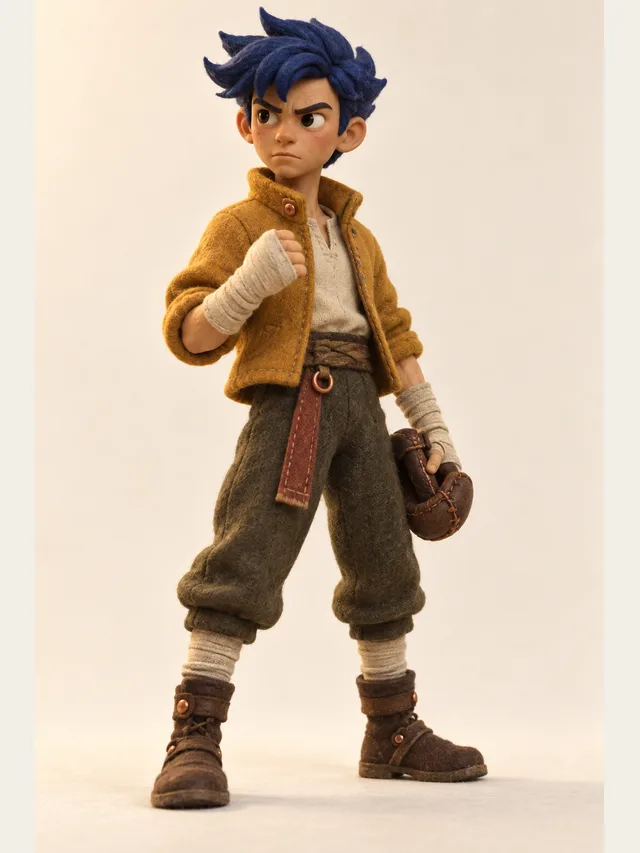
Koji
Rival: clipped, competitive, secretly loyal
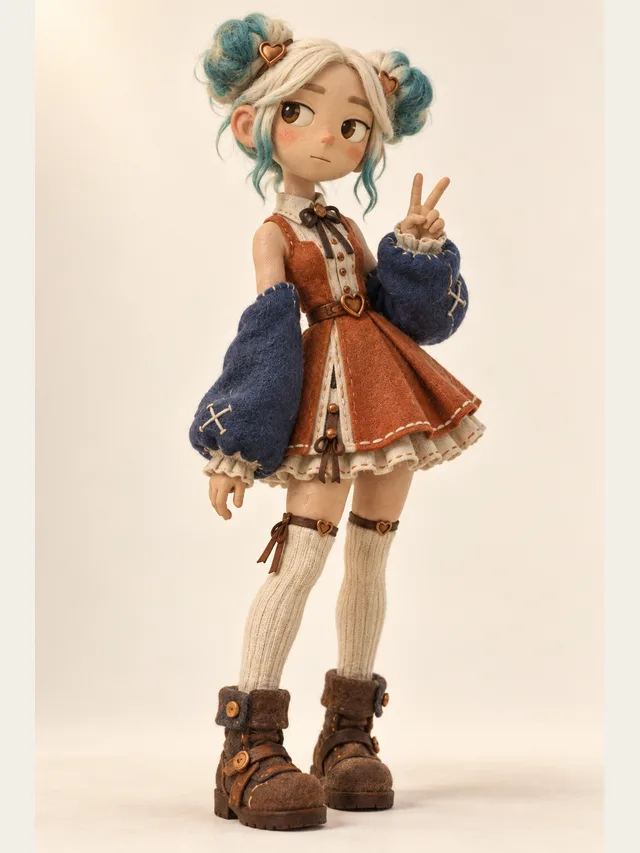
Lumen
Cute on the surface, deadpan underneath
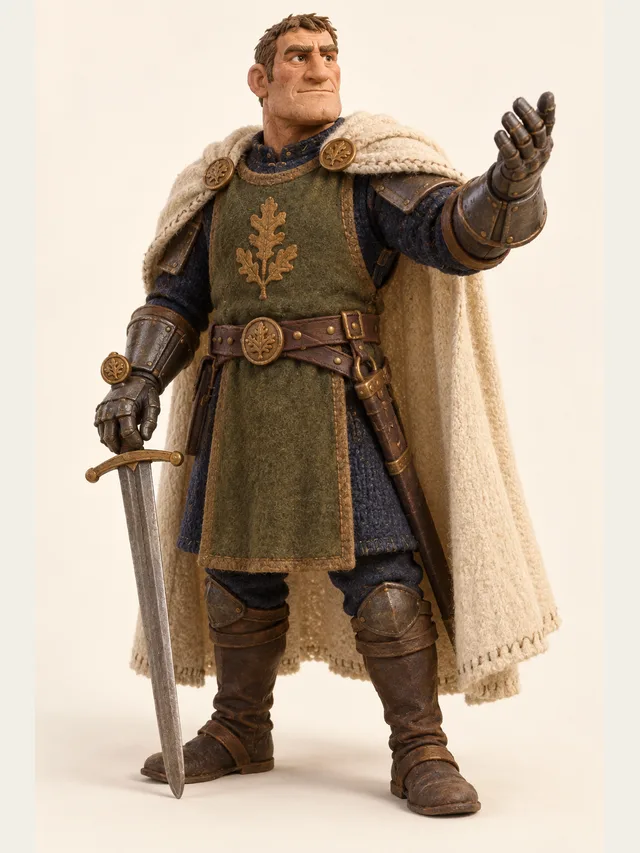
Torvald
Mentor who gives orders men actually follow
Every voice is available on every plan — the library is not a paywall.
No account needed. Type one line, choose who says it, and listen.
Anime writing is unusually dense with speakers. A four-page scene can have a lead, a rival, two side characters, an off-screen announcer and a narrator, and half the comedy comes from how fast the voice changes. Feed that into a single-voice text-to-speech tool and every line arrives in the same register, so the reader has to do the casting in their own head — which is exactly the work you wanted the tool to do.
The workaround people invent is to run the tool once per character, download a pile of clips, and assemble them by hand in an audio editor. It works. It also takes an afternoon per scene, and the moment you change a line you do it again. CastDub exists because that loop is the actual bottleneck, not the voice quality.
Auto-casting reads the script and answers two questions: who is speaking, and what should they sound like. Speaker detection handles the formats people really write in — Name: prefixes, screenplay blocks with the character name centred, and prose with dialogue tags like "she said, quietly". Attribution is not magic; if your scene has three unnamed voices in the dark, you will have to label them yourself.
The second half is the recommendation. Every voice in the library carries a persona, an age band and a set of style tags, so a character described as a bored seventeen-year-old gets matched against library characters tagged teen with dry or sharp tags, not against the warm narrator. You can override every suggestion, and the override sticks for the rest of the project — swap a character once and they stay swapped across every scene in that project.
The difference between a read-through and a performance is mostly timing and intensity. CastDub treats emotion as a per-line property: this line is neutral, this one is excited, this whispered aside is a whisper. That granularity matters more in anime than in almost any other genre, because the comedy convention is a hard cut between registers — a character shouting, then immediately muttering.
Line-level emotion control is a paid feature, which is deliberate. On the free plan every line follows its character's default emotion, which is good enough to check that a scene works. Manual direction is what turns a working scene into one you would publish, so it sits on the Pro plan alongside multitrack export.
A practical note on writing: emotion tags do not rescue a line that is doing two things at once. If a sentence starts angry and ends sad, split it into two lines. The renderer treats each line as one performance, and so does a human actor.
The three patterns we see most are fan audio dramas posted to YouTube and Discord, original-character scenes shared inside art communities, and indie visual novels that need placeholder voice acting before there is any budget for a cast. All three share the same constraint: one person, no studio, a script that keeps changing.
For fan work, the safe ground is original scripts with original characters, or transformative work in fandoms that tolerate it. The risky ground is cloning a named performer or reposting a licensed dub. The tool will let you build the first; our cloning policy is written specifically to stop the second.
Drop in dialogue in any shape you already write it — screenplay format, novel prose with quotation marks, or a plain list of Name: line pairs. CastDub does not need a template.
Auto-casting splits the scene into speakers and proposes a voice for each one, using the description you wrote for them. If your script says a character is fifteen and furious, you will not get a forty-year-old narrator.
Click a character, audition four or five alternatives back to back on the same line, and keep the one that sounds like the person in your head. Only that character's lines need regenerating; the rest of the scene keeps its audio.
Anime dialogue lives on sudden shifts — a joke that turns into a threat inside one breath. Set the emotion per line, not per character, so the shift actually lands.
Render an MP3 of the full scene, or on Pro take the stems so you can drop the dialogue over your own music and effects in a video editor.
It sounds like a clean, directable read — closer to a table read than to a broadcast dub. The gap between synthetic and human is smallest in conversational lines and widest in screams, sobbing and long held notes. If your scene leans on those, record them yourself and let CastDub carry everything around them.
Not directly. There is no accent setting — you pick a library character, and in English its voice is American, British or Australian. Do not fake it with spelling either: writing dialogue phonetically to force an accent usually produces a caricature and worse pronunciation. Carry the character through word choice and rhythm, keep the spelling normal.
You can generate a dub track and line it up in your editor. CastDub exports SRT timings on Plus and Pro, which is what most people use to sync. Be careful about rights: dubbing a licensed series and publishing it commercially is a licensing problem no tool can solve for you.
The free plan allows two cast members per project — enough for a two-hander. Basic raises it to five and Plus removes the cap. Most fan scenes land between three and six speakers, so Basic covers a lot of people.
Not here. CastDub clones only your own voice: the one recording it accepts is you reading a short consent statement aloud, in your own account, and that recording is the voice. Cloning a voice you do not own is also the fastest way to get a project taken down elsewhere. Cast a library character in a similar register instead.
On paid plans you get a commercial licence to the generated audio. The free plan is for personal and non-commercial use. The script is yours either way — we do not claim rights to your writing.
Paste a script, let CastDub assign a voice to every character, and export a finished drama.
Create for freeNo credit card. Free gives you a one-time pot of credits.