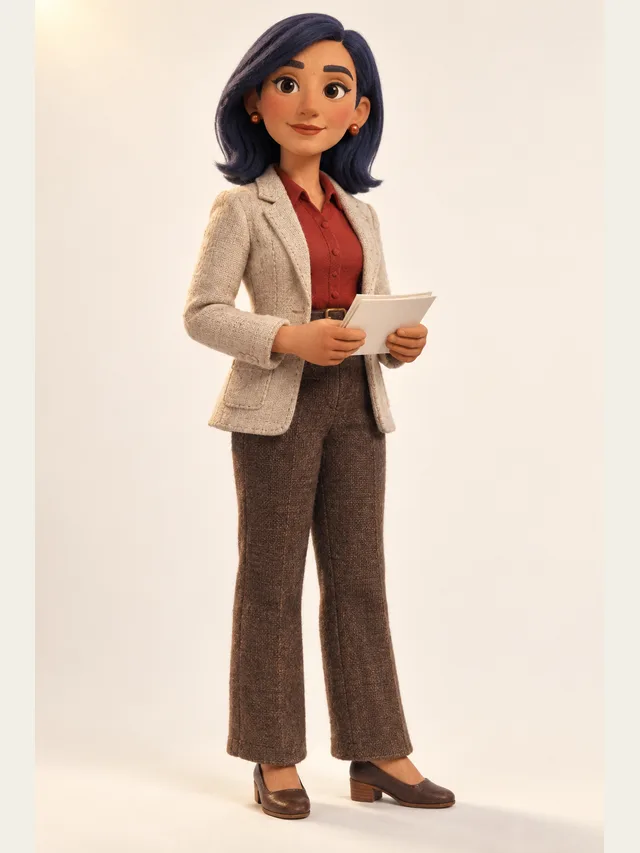
Noor
Newsreader clarity for exposition-heavy scenes
Synthesis
Ordinary text to speech converts a block of text with one voice. That is the right tool for narration and the wrong tool for a scene. This page covers the synthesis layer itself — what it can be told to do, and where it stops.
Noor
Newsreader clarity for exposition-heavy scenes
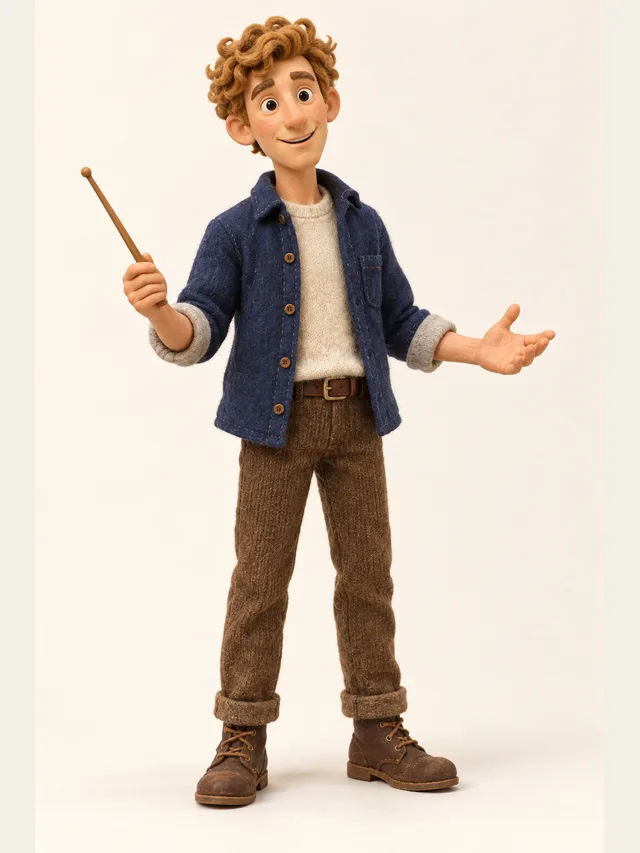
Quill
YouTube explainer voice that never sounds bored
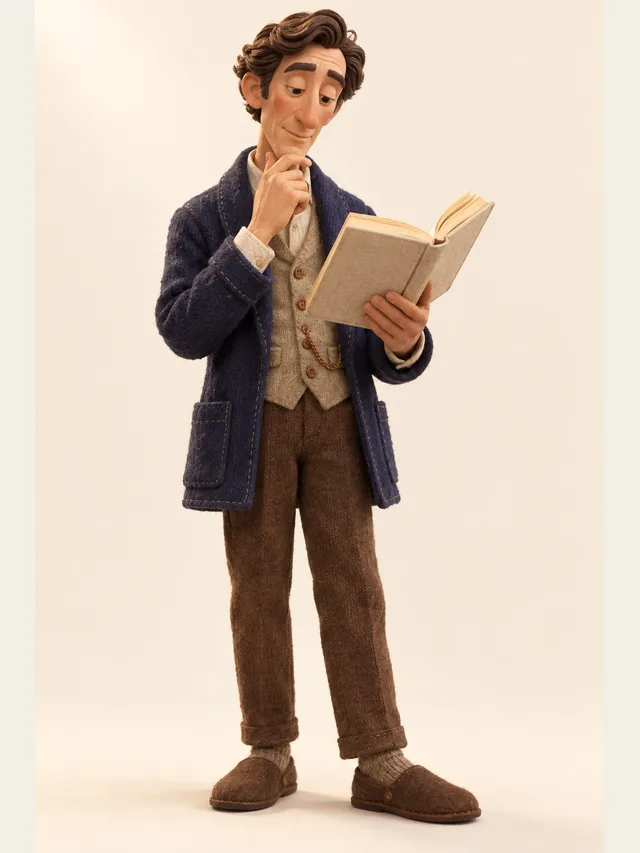
Dorian
Audiobook baritone for literary fiction and slow reveals
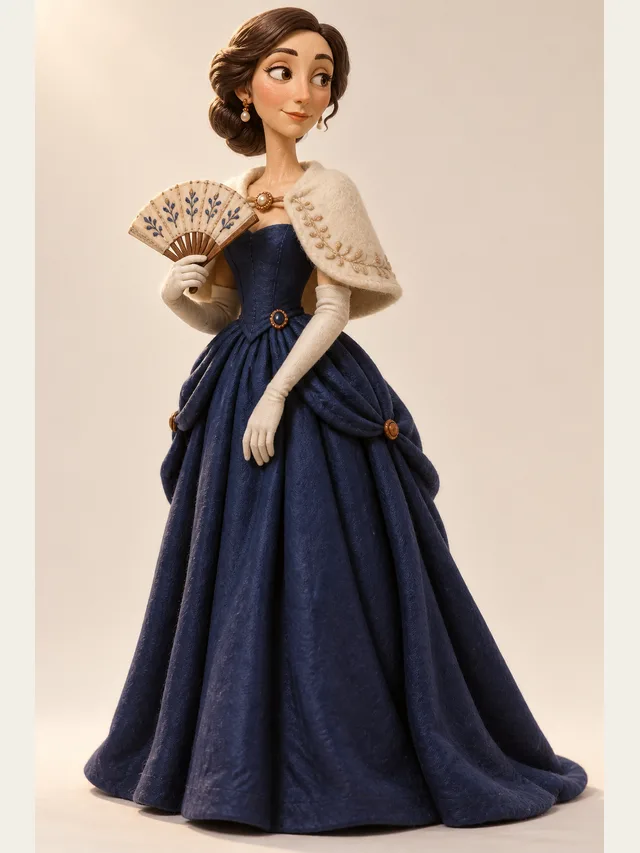
Solène
Continental accent, unhurried, very expensive sounding

Halcyon
Meditation-adjacent narrator for slow, quiet scenes
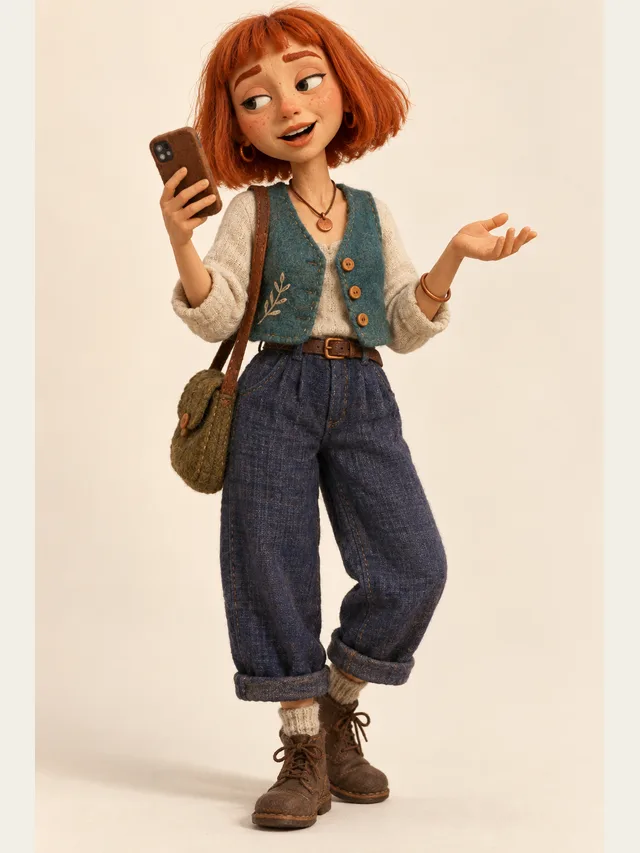
Indie
TikTok voiceover: fast, flat, faintly amused
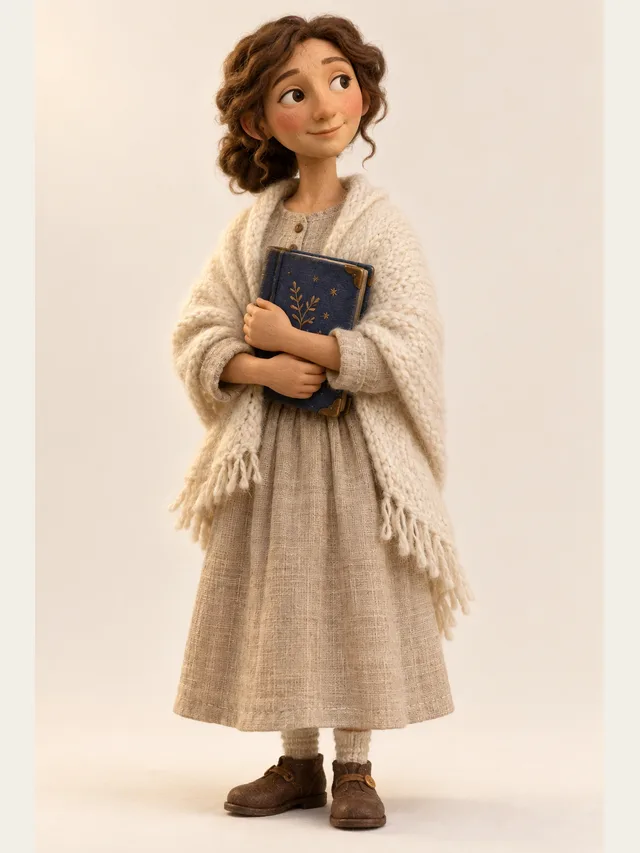
Wren
Bedtime-story narrator, slow and warm, never wakes anyone up
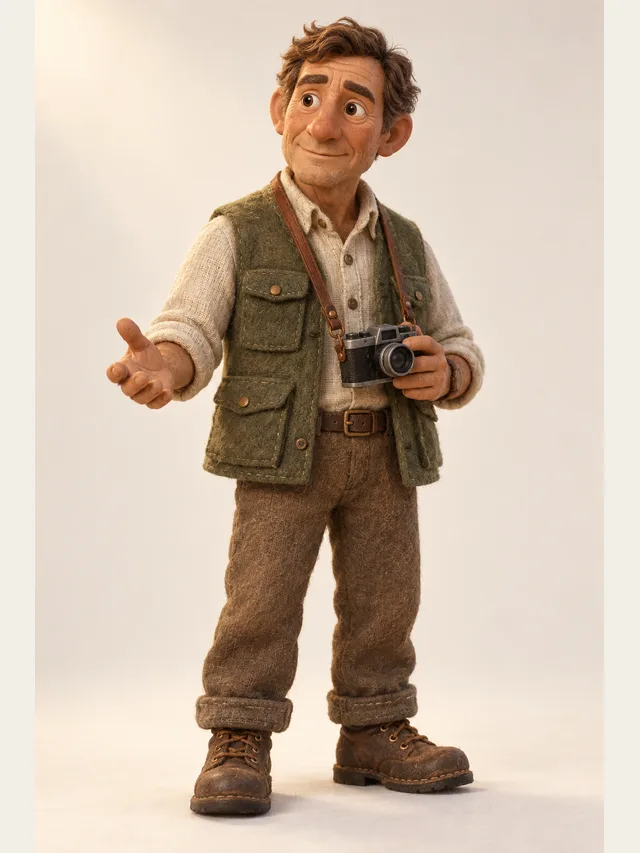
Hale
Documentary narrator with a hand on the listener's shoulder
Neutral, happy, sad, angry, fear, whisper and excited, set per line rather than per document. Every register can be set on every voice, and each line is genuinely performed in it rather than assembled from a pitch or speed adjustment — the library tags say which registers a character is written for, not which ones it can be directed into.
A speed multiplier per line, on Plus and Pro. Pace does more work than people expect: it carries age, authority and emotional state more reliably than pitch does.
A note in parentheses at the start of a line, or a line written entirely in parentheses, becomes direction for the performance rather than words to say — it is passed to the voice and shown next to the line, where you can edit it. Parentheses in the middle or at the end of a spoken line are left alone, because those are usually meant to be said. Scene headings and action lines are a different matter: they come through as narration, so delete the ones you do not want heard.
A full stop is a real pause, an ellipsis a longer one, a question mark lifts the phrase end. Line breaks create gaps. Your script layout is your timing control, which is why this page keeps telling you to split lines.
The synthesis engine sits behind an interface, and it has been swapped before. If we move to a different one, the same project renders through it without any change to your casting or direction — what a line sounds like can shift, but nothing you set up has to be rebuilt.
The library is not a paywall. Plans differ on cast size, emotion control and minutes — not on which voices you may use.
One speaker or many. For a single voice, this behaves like any other text-to-speech tool.
Pick from the library's forty characters — filter by age, gender, accent and style rather than scrolling. Audition on your own text, not on sample text.
Start with neutral and, on Plus or Pro, a slightly slower pace than feels right. Almost every first attempt is too fast.
Audition every name and invented word before you render anything long, and respell or hyphenate in the text the ones that come out wrong — there is no pronunciation setting.
Play it on a phone speaker as well as headphones. Most audiences are on the phone.
The instinct with per-line emotion is to use it everywhere, and the result is uniform mush. Audiences read emotion by contrast, so a scene with two directed lines and twenty neutral ones lands far harder than a scene where everything is pushed.
The workflow that produces good results is: set a resting register per character, render with defaults only, listen straight through, then mark the two or three lines where something actually changes. In a five-minute scene, directing five lines by hand is about right.
Four habits carry most of the difference. One intention per line — a sentence that swings from delight to horror is rendered as an average of both, so split it. Punctuation deliberately, because it is your timing. Interjections as their own lines, because a bracketed note directs how a line is said rather than becoming a sound of its own. And short sentences for low voices, which lose intelligibility fast over long clauses.
None of these are workarounds for a limitation. They are the same notes a director gives a human performer, for the same reasons.
Physical vocalisation — screaming, sobbing, laughing while speaking, grunts — is the weakest area and will remain so for a while, because these are breathing events rather than speech events. Generate them for placeholder if you need to, and plan to replace them.
The second limit is interpretation. A synthetic read is a clean, consistent, well-paced performance of what you wrote. It is not a set of decisions about subtext. For most work that trade is worth making; it is worth making with clear eyes about which half of it is which.
For single-voice work, not very. The difference appears the moment a script has more than one speaker: casting, a voice that stays fixed per character within a project, and per-line direction are the product, and the synthesis is a component underneath them.
Neutral, happy, sad, angry, fear, whisper and excited, on every voice. Each line is acted in the register you set rather than adjusted after the fact, so the difference is audible — but how far a register is pushed varies with the line, so audition a directed line before you rely on it.
No — pace, yes, on Plus and Pro; pitch, no. Pitch-shifting a voice far from its natural range produces artefacts that are obvious on good headphones. Choose a character in the right range instead.
It reads them by the conventions of the project's language, and usually gets them right. Text that mixes conventions is where mistakes appear, so listen to the numbers first — and spell a figure out in words if it matters how it is said.
Within a project, yes, until you touch them: a rendered line keeps the audio you heard until you edit that line. Ask for it again and you get a new take — same voice and same character, slightly different delivery — which is the point, because a read you did not like is one click away from another one. Across projects, the engine sits behind an interface and may be replaced one day; casting and direction carry over, the sound of a take can shift.
Yes, though for accessibility you want the clearest voice rather than the most characterful, and you should test at 1.5× or faster, since many screen-reader users listen well above real time.
Paste a script, let CastDub assign a voice to every character, and export a finished drama.
Create for freeNo credit card. Free gives you a one-time pot of credits.