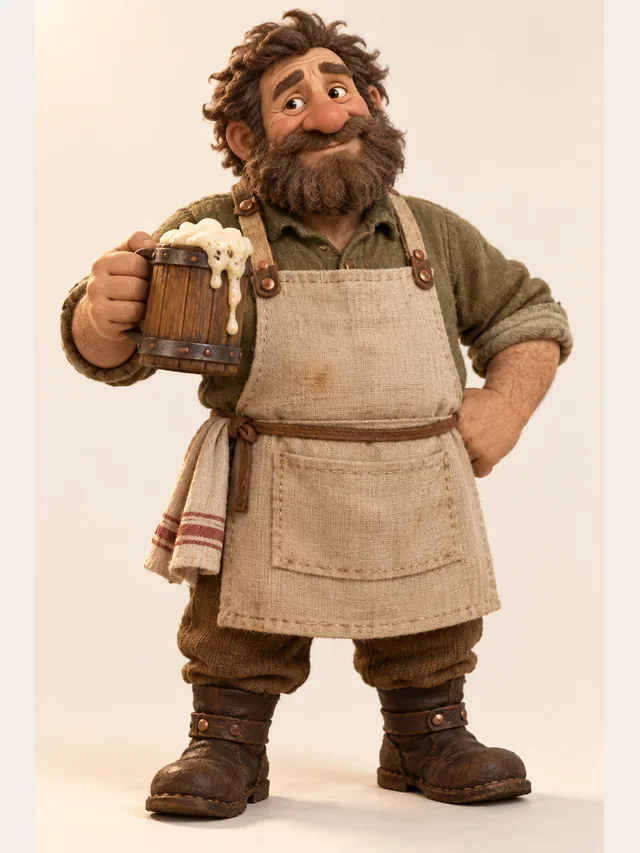
Bram
Tavern keeper and accidental quest giver
Voice category
Every dungeon master eventually hits the same wall: four NPCs in one scene, one throat, and a table that cannot tell them apart. Prepare the voices in advance, write down which library character plays each NPC, and let the blacksmith sound like the blacksmith did six sessions ago.
Bram
Tavern keeper and accidental quest giver
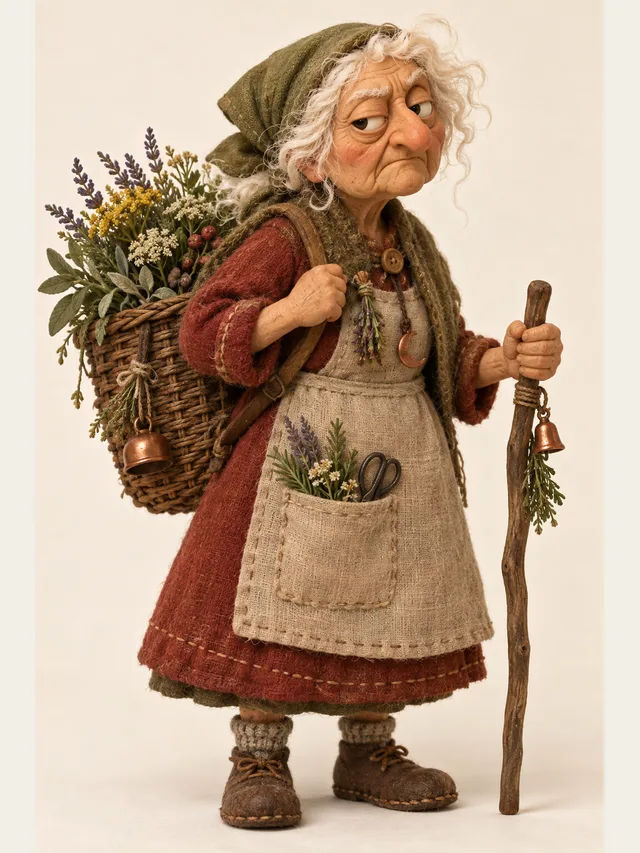
Mabel
Village witch, tired of adventurers
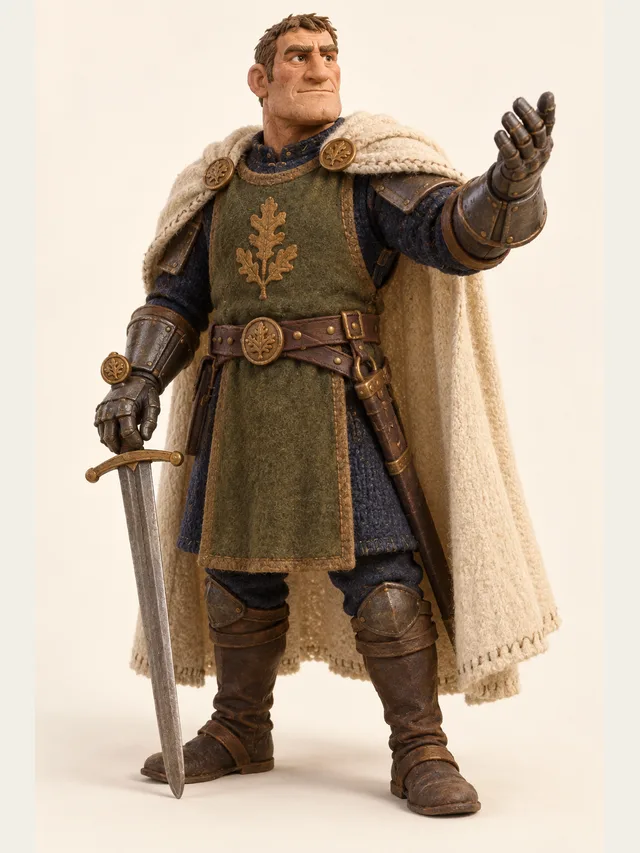
Torvald
Commander who expects to be obeyed
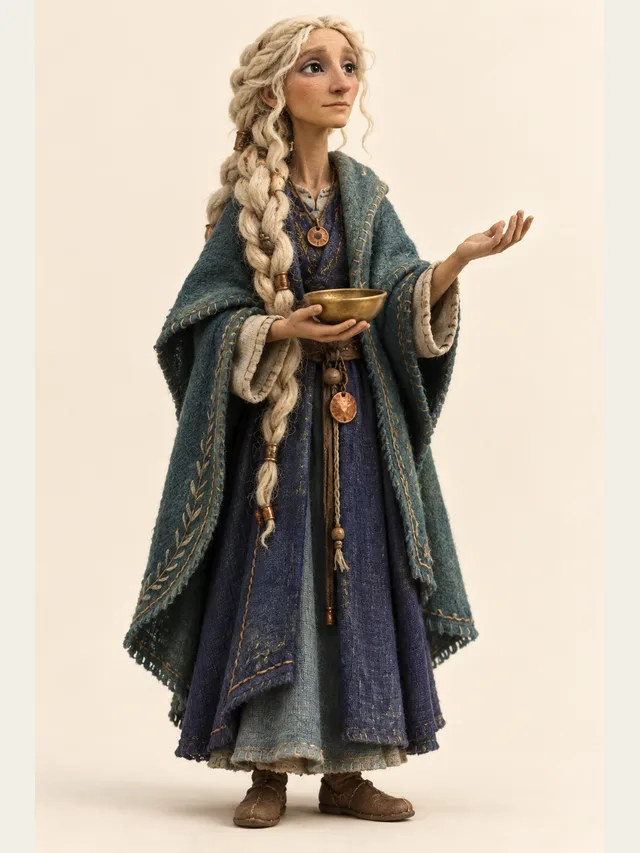
Delphi
Oracle with unhelpful answers
Every voice is available on every plan — the library is not a paywall.
No account needed. Type one line, choose who says it, and listen.
Tabletop games ask one person to perform an entire world, and the failure point is always the same: a scene with several non-player characters where the dungeon master has to switch between them faster than they can hold the voices apart. The party loses track of who said what, the scene stops being a conversation, and the DM falls back to narrating everyone in the same voice.
Preparation is the traditional answer, and it works — experienced DMs pick two or three distinctive voices and reuse them ruthlessly. Generating audio for prepared lines extends that: the voices do not have to come out of one throat, so the number of genuinely distinct characters your table can hold goes up.
Prepare the fixed points: the quest hook, the villain's speech, the prophecy, the recurring shopkeeper's greeting, anything that has to land. These are written in advance anyway, and rendering them costs minutes.
Improvise everything else in your own voice. Trying to generate responses during play introduces exactly the dead air that ruins a scene, and players would rather have an imperfect live voice than wait thirty seconds for a perfect one. The generated audio is set dressing for the moments that matter, not a replacement for running the table.
Campaigns run for months or years, and the NPCs players remember are the ones who sound the same every time. Characters here live inside one project, so consistency comes from a written note rather than memory: the same library character and default emotion for the blacksmith every session, and his first line checked by ear, since a new project is not guaranteed the same voice. Done that way, the blacksmith in session forty matches the blacksmith in session three.
Keep a campaign folder with one page per recurring NPC — library character, persona and a short note about how they speak. It doubles as a prep document, and if a co-DM runs a session, the world stays consistent.
A growing use is producing a short dramatised recap between sessions — five minutes of the previous session's key scenes, cast and rendered. It is enormously more engaging than a written summary and it gets players back into the world before they sit down.
Keep them short. A four-hour session compresses to five minutes of highlights, and the editing is the actual craft. It also fits inside a modest plan, which a full transcript never would.
The instinct when voices become cheap is to give every non-player character their own. Resist it. A world where the guard, the innkeeper, the merchant and the beggar all have distinct prepared voices is not richer; it is noisier, and players stop attaching significance to any of them.
Experienced dungeon masters use a small number of strongly differentiated voices and reuse them, reserving anything genuinely distinct for characters who matter. The scarcity is what makes the villain's prepared voice land when it finally arrives.
A practical rule: prepare a voice for a character only after the party has met them twice. If they never come back, you have saved the effort; if they do, the second appearance is exactly when a consistent voice starts paying off.
Quest hooks, the villain's speech, the shopkeeper's greeting. Prepared lines are the ones that benefit; improvised table talk is still your job.
The ones the party will meet repeatedly are where consistency pays off. One-off guards do not need a note.
Name, library character, default emotion. Characters stay inside a project, so pick the same ones each session and listen before you export — six sessions later the blacksmith is still the blacksmith, which is the single thing players notice most.
Generate and export the prepared lines in advance — one small project per NPC or per set piece, so each download is already the clip you want to play. Fumbling with a tool at the table kills momentum faster than a bad voice ever will.
The villain's monologue, the prophecy, the god speaking. These are the moments where a prepared, distinct voice transforms a session.
For prepared lines, yes — render them beforehand and play them. Improvised dialogue is not something to generate live; the pause while you type breaks the scene worse than doing the voice yourself badly.
It is preparation, which is the most respected form of dungeon mastering there is. Nobody calls a printed battle map cheating. A prepared voice for the villain is the same category of effort.
Fewer than you think. Three to five recurring voices that are genuinely distinct beat twenty that blur. Players remember the blacksmith because he sounds like the blacksmith, not because there are many voices.
Yes, and it is a growing format — a session transcript cast and rendered as a drama for players who missed it or for a public feed. Budget minutes accordingly; a four-hour session is far more audio than most plans cover, so edit hard.
The library includes monster and demon registers. For the truly non-human, generate a clean take and add pitch or layering in an audio editor, which gives you far more range than any single voice.
Free gives you five minutes once, not five a week, so it is for trying the tool rather than running a campaign on. Basic is the one for a weekly game: sixty minutes a month covers several NPCs per session and a recap.
Paste a script, let CastDub assign a voice to every character, and export a finished drama.
Create for freeNo credit card. Free gives you a one-time pot of credits.