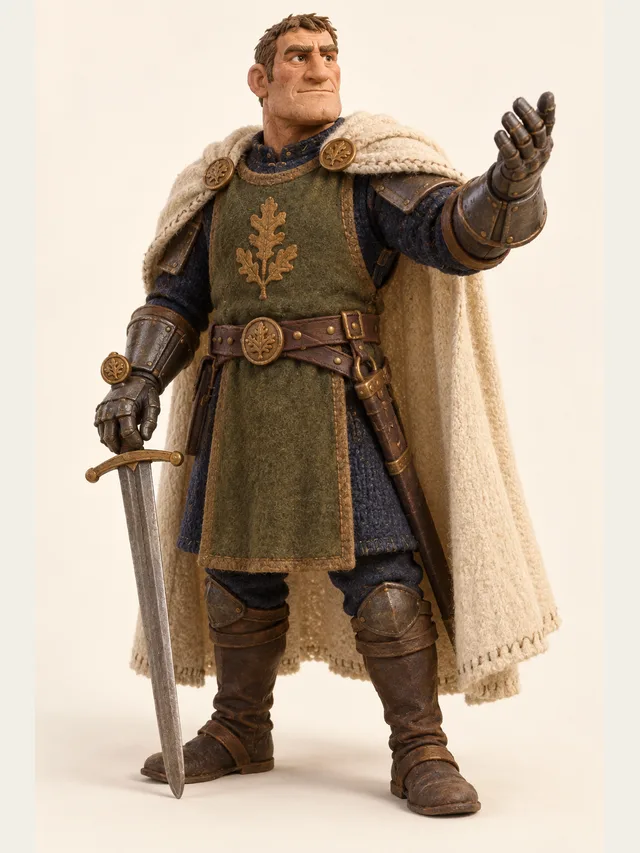
Torvald
Knight commander who gives orders that men actually follow
Product
This is the product. Everything else on the site is a doorway into it. You bring a script with more than one person in it; CastDub works out who they are, gives each of them a performer, and gives you the controls a director would use.
Torvald
Knight commander who gives orders that men actually follow
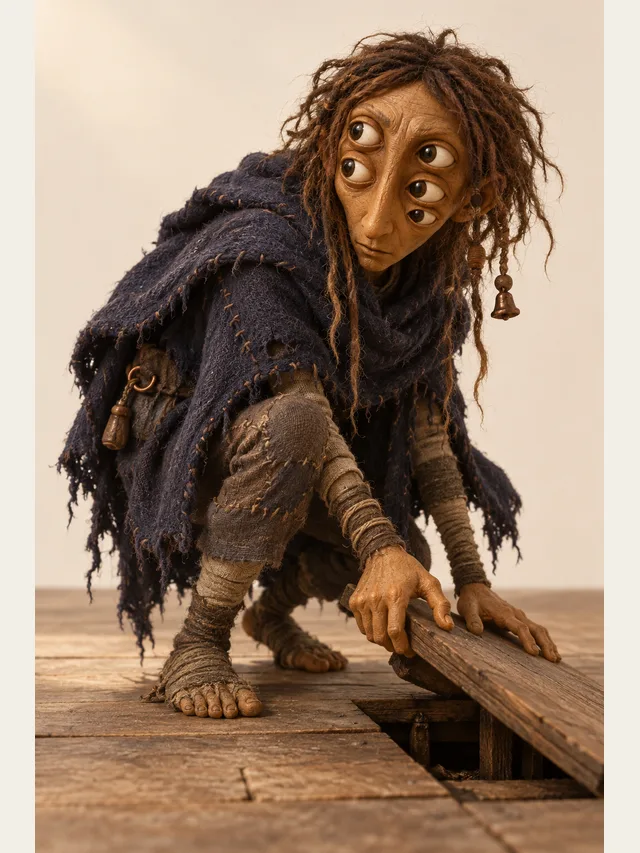
Morrow
Something under the floorboards that learned your name
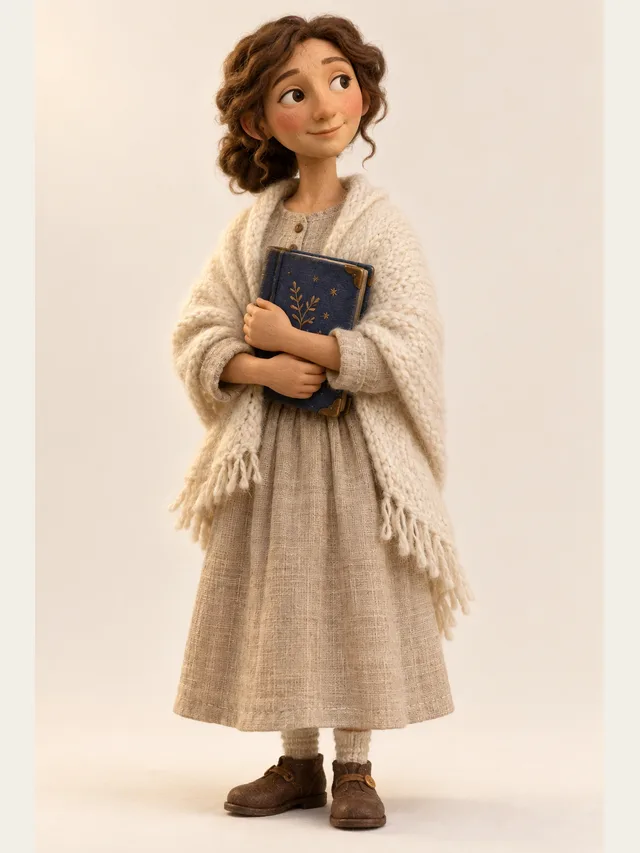
Wren
Bedtime-story narrator, slow and warm, never wakes anyone up
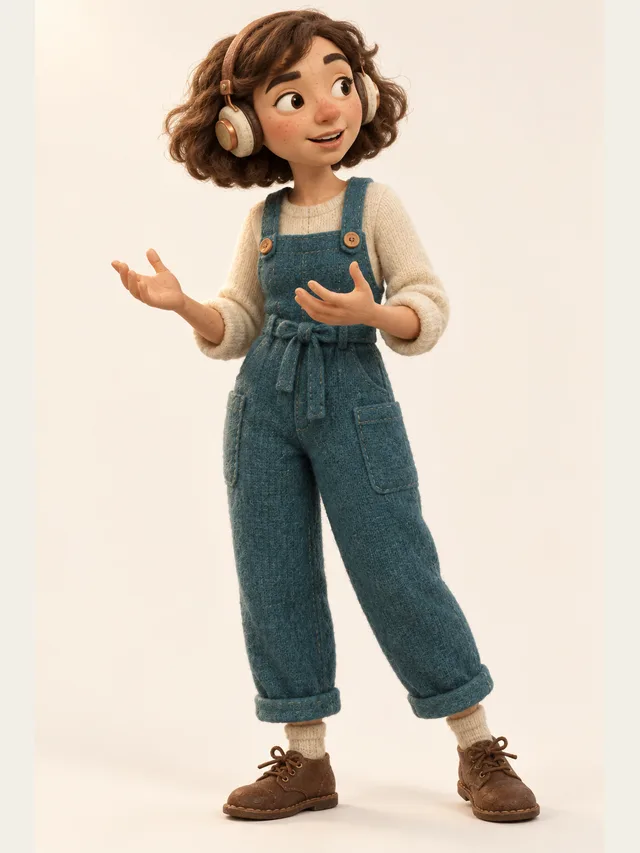
Juno
Podcast host who thinks out loud and never reads a script
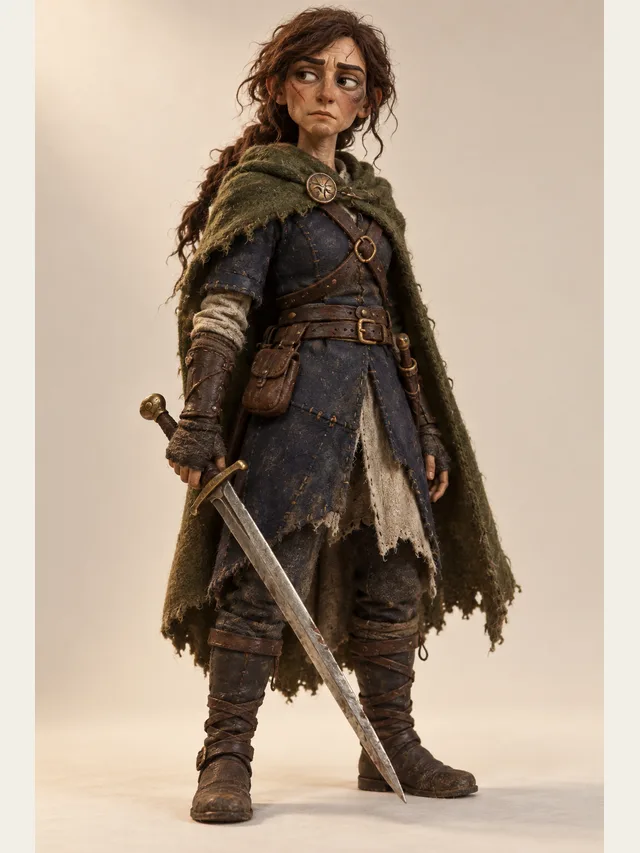
Kestrel
Low, weary swordswoman who has already lost this war once
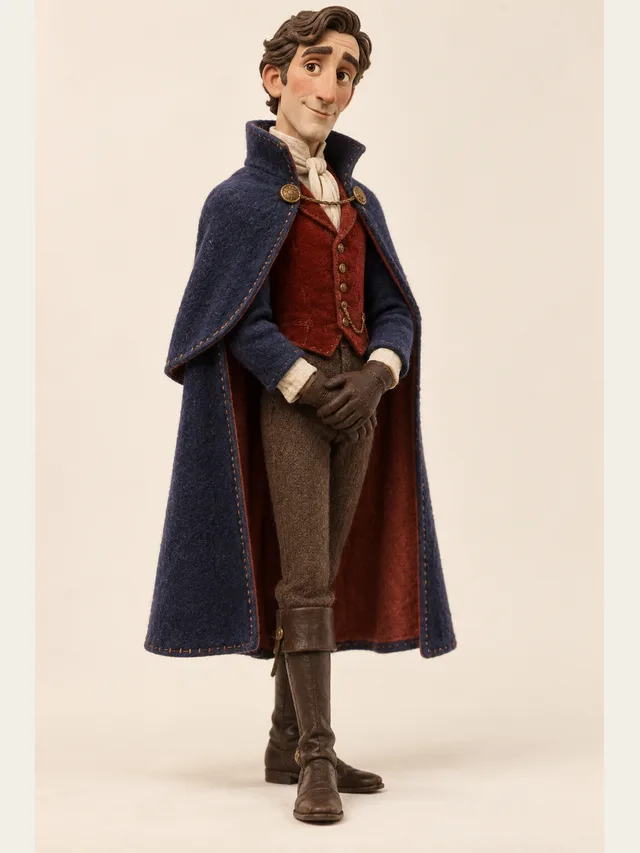
Ashford
Velvet-voiced villain who apologises before he ruins you
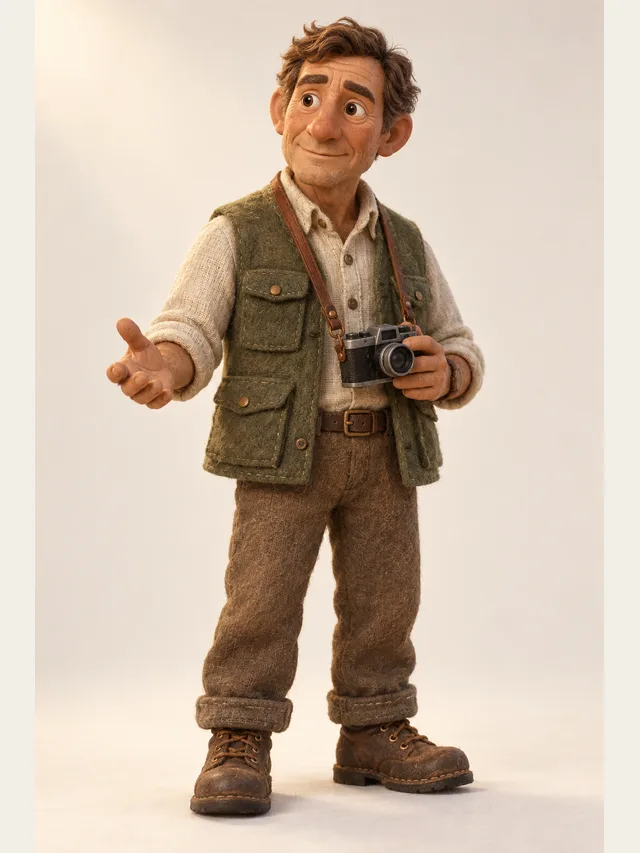
Hale
Documentary narrator with a hand on the listener's shoulder
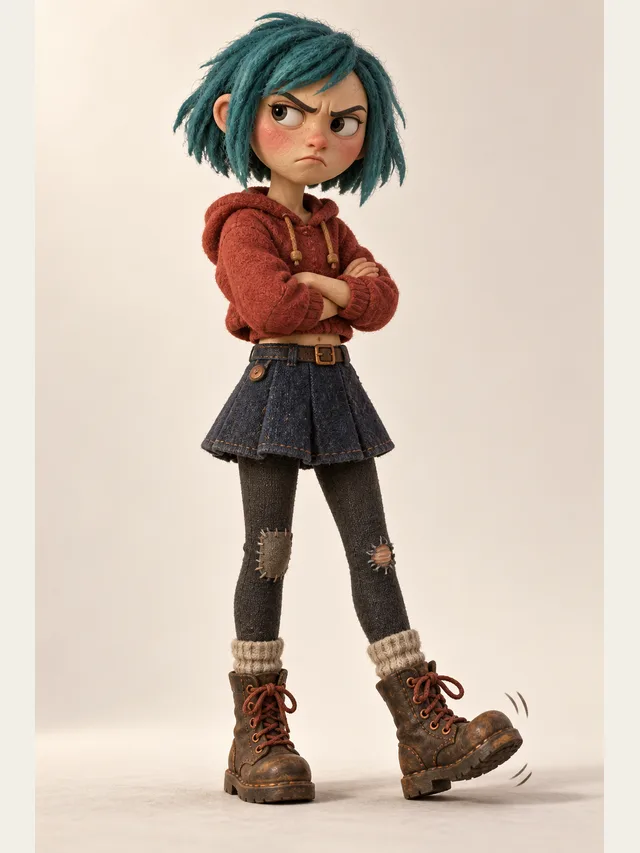
Cass
Seventeen and furious about it, in a good way
Screenplay format, Name: prefixed lines, and ordinary prose with dialogue tags are all parsed as written. Paste from a document, a screenwriting app or a spreadsheet column. There is no file upload — .txt, .docx and .srt files are not imported, so copy the text in.
Speaker detection splits the script by who is talking, then proposes a library character for each speaker based on how the script presents them. It is a proposal, not a decision — every assignment is overridable, and an override persists for the rest of the project.
Emotion is a property of the line, not of the character. Set a resting register per character and mark only the lines where it breaks. This is the single mechanism that separates a read-through from a performance, and it is the main thing Pro adds: on the other plans every line follows its character's resting register.
Name, persona, gender, age band, library character and default emotion, set once inside the project. No two characters in a project share a voice until the ten base voices run out, and adding one later does not reshuffle the rest. Characters do not carry between projects, so a series picks the same library characters again in each episode.
Edit a line and only that line is synthesised again; everything else keeps the audio it already has, exactly as you last heard it. For a long project this is the difference between revising freely and dreading every rewrite — three changed lines cost three lines of generation, not a full re-render.
A mixed MP3 on every plan, per-character stems as a ZIP on Pro for scoring and sound design, and an SRT from Plus generated from your script rather than transcribed — so names are spelled correctly and timings already line up.
Copy it in as text. No reformatting step, no template to fill in.
Review the proposed voice per character, audition alternatives on the same line, and lock in what fits.
Give each character a default emotion. Most of the scene runs on the default.
Mark the specific lines where the register breaks — usually three to five per scene.
Pacing problems are invisible line by line and obvious end to end.
Mix, stems or subtitles, depending on where the audio is going next.
Speech synthesis is now a commodity. Several providers produce audio that is good enough for drama, and the gap between them is smaller than the gap between a well-cast scene and a badly cast one. What is not commodity is everything around the synthesis: working out who is speaking, keeping a character stable across months, directing individual lines, and getting audio out in a form you can mix.
That is why the provider layer here is an interface with several implementations behind it. If a better engine appears next year, it becomes a configuration change rather than a rebuild, and your projects, casting and line direction carry over unchanged.
It does not write scripts. Generated dialogue performed by generated voices is a product nobody has asked for twice, and the interesting problem in audio drama is production rather than ideas.
It does not mix. No music beds, no reverb, no stereo placement. Those belong in an audio editor where you can hear everything together, and folding them into a rendering tool has reliably produced something worse than either.
It does not overlap dialogue in a single render. Talking over someone is a real dramatic device and it is a mixing operation — export stems and slide them. One drag in any editor, and it is the most realistic thing you can do to an argument.
Physical vocalisation is the current limit: screaming, sobbing, laughing while talking, grunts of effort. These are breathing events rather than speech events and they are where a listener identifies audio as generated. Write around them where you can, and record the two or three lines that carry them where you cannot. Mixing recorded and generated audio in one production is normal — it happens in your audio editor, since recordings cannot be brought into a project — and the seam does not show when the writing carries the moment.
Very long emotional monologues are the second weak spot, for a related reason: a human performer makes a decision about subtext every few seconds across a monologue, and nothing here attempts that.
None — there is no file upload. Paste the text itself, in screenplay format, Name: lines or prose with dialogue tags. From a Word document or a subtitle file, copy the text out and paste it in.
In script formats, almost always. In prose it depends on how explicit your attribution is — long unattributed exchanges and characters referred to by epithet are the reliable failure cases. Scanning the assignments before rendering takes a minute.
Yes, and this is the feature that makes long projects possible. Change a line, re-render that line, everything else keeps its existing audio.
No. A character exists only inside its project. For a series, create a new project per episode, pick the same library characters and write the same personas. The same voice is not guaranteed across projects, because voices are kept distinct in the order characters are added within each project — so listen to your lead's first line before you export.
Not here. Export the stems and score them in an audio editor. This is a deliberate boundary, not a missing feature.
Pro. On Free, Basic and Plus every line follows its character's default emotion, which is good enough to check that a scene works but not to place a specific turn on a specific line.
Paste a script, let CastDub assign a voice to every character, and export a finished drama.
Create for freeNo credit card. Free gives you a one-time pot of credits.