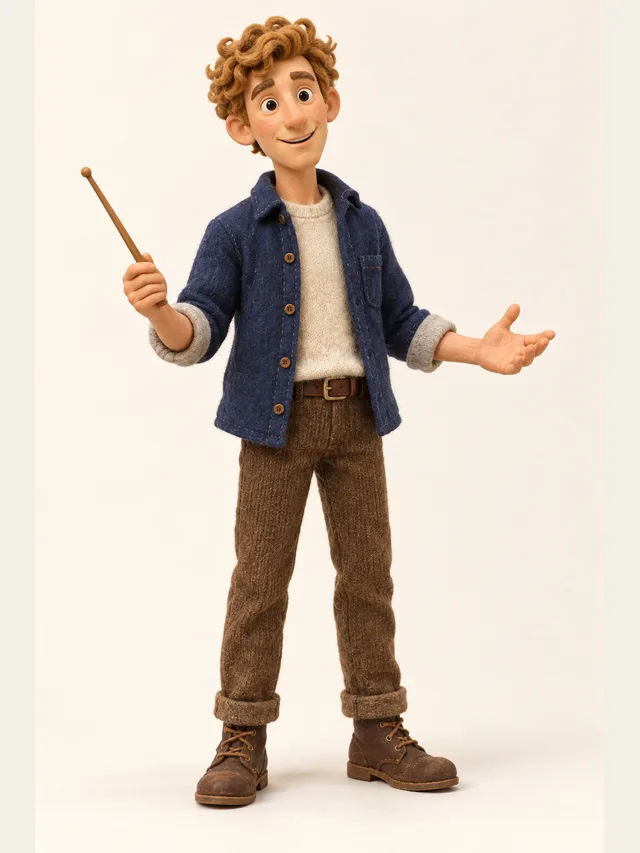
Quill
Explainer voice that never sounds bored
Voice category
Most YouTube voice tools give you one narrator and call it done. That works for a list video and falls apart the moment your script has two people in it. Cast the narrator and the characters in the same project, and export the audio — with a matching SRT from Plus.
Quill
Explainer voice that never sounds bored
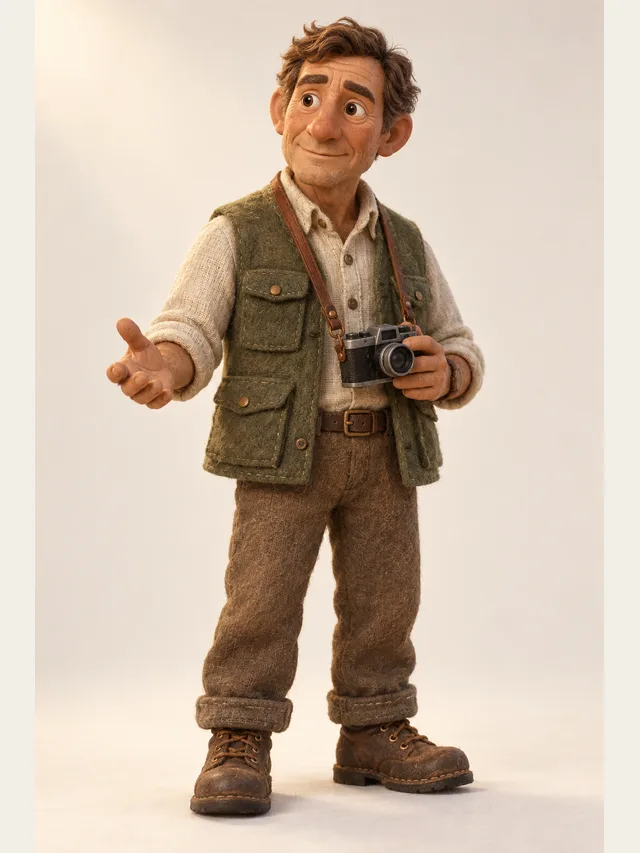
Hale
Documentary weight for longer videos
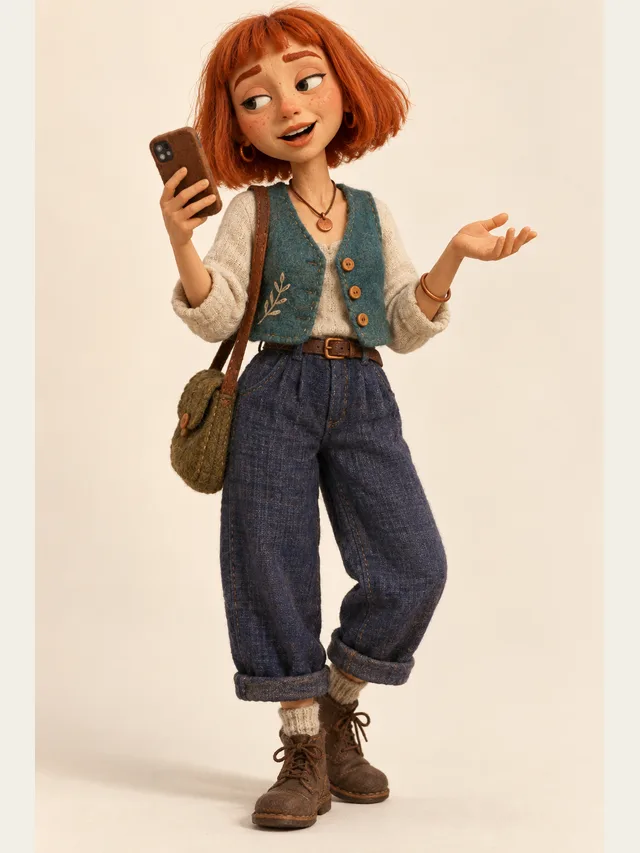
Indie
Fast, flat, faintly amused
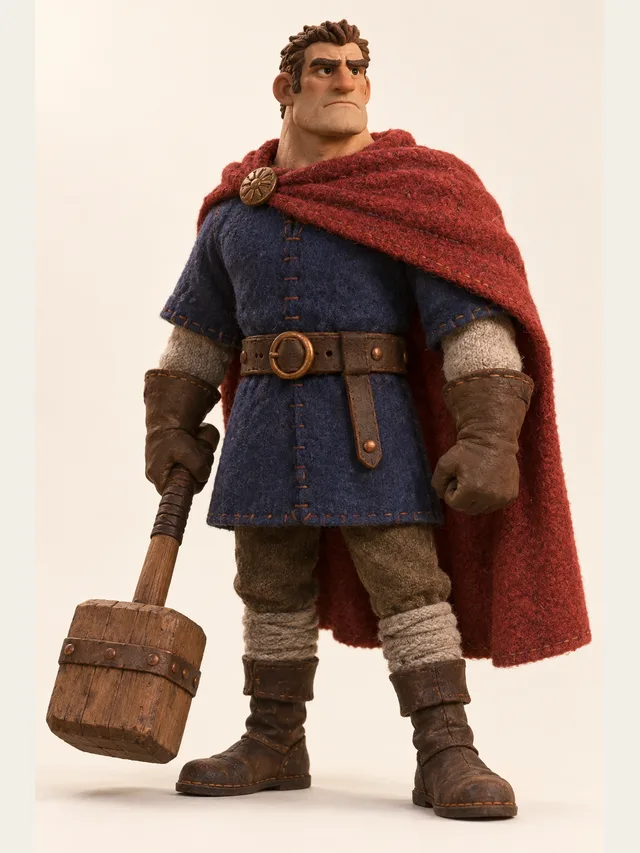
Duke
For the dramatic thirty seconds
Every voice is available on every plan — the library is not a paywall.
No account needed. Type one line, choose who says it, and listen.
Everything about YouTube performance flows from retention, and retention on a narrated video is decided in the first fifteen seconds and then re-decided at every point where the viewer's attention wanders. Voice matters here in a specific way: a change of voice is an attention reset, and it is free.
This is why channels that dramatise quotes, use a second voice for asides, or cut to a character for thirty seconds tend to hold viewers better than channels with a single continuous narrator. It is not that the narrator is bad. It is that twelve uninterrupted minutes of any single voice is a lot to ask.
A meaningful share of the audience watches at 1.25× or faster, and some at 2×. That changes what good writing is. Long sentences become unparseable. Nested clauses disappear. Numbers and names need more space around them, not less.
The practical test is to audition your narrator on your actual script at 1.5×. If it survives that, it will be comfortable at 1×. Doing the test the other way round tells you nothing about how most of your audience will hear it.
A large fraction of viewing happens with sound off or in noisy environments, and captions measurably improve both retention and reach. Auto-generated captions are better than nothing and consistently wrong on names and technical terms, which is exactly the vocabulary your video is about.
Because the subtitle file here is generated from your script rather than transcribed from audio, it is correct by construction. Upload it rather than relying on automatic captioning and you fix the worst caption errors before they exist.
The strongest temptation with a cheap voiceover pipeline is to produce more videos. It is also the fastest route to a channel that stops being recommended, because the platform is explicitly tuned against mass-produced, low-differentiation content.
The better use of the saved time is more scripting per video: a second voice, a dramatised section, a properly written cold open. All three are things a single-voice tool could not give you, and all three read to a viewer as effort.
A large share of long-form viewing is not watching at all — the video plays while someone works, cooks or commutes. That audience hears everything and sees nothing, which makes your video an audio product with pictures attached.
Two consequences. Never say "as you can see here", because a meaningful part of your audience cannot. And put the information in the narration rather than in on-screen text, using the text to reinforce rather than to carry. Channels that do this well tend to have unusually high retention, and the reason is that they never lose the listener who looked away.
Viewers recognise a channel by its voice faster than by its thumbnails. That makes the narrator a brand decision rather than a per-video one, and it means the worst thing you can do is quietly change voices between videos because a newer one sounded better.
Pick one, write down its library character and persona, pick exactly that again for every video's project, and keep it — listening to the first line before export, since a new project is not guaranteed the same voice. If you genuinely need to change, say so in the video — audiences accept an explained change and are unsettled by an unexplained one.
Short sentences, one idea each, no subordinate clauses. A viewer cannot re-read a sentence, so anything that needs a second pass is lost.
A large share of viewers watch above real speed. Audition your narrator sped up, because voices that are pleasant at 1× can become unintelligible at 1.5×.
If your script quotes people, dramatises a conversation or runs a skit, cast those parts properly. It is the cheapest production-value upgrade available.
On Plus and Pro. Subtitles improve retention and are required for accessibility. Generating them alongside the audio means they are already in sync.
Voices that sit perfectly alone can vanish under a music bed. Render, drop it into your editor, and listen with the bed at the level you actually publish at.
Yes. YouTube's policies target low-effort mass-produced content and undisclosed synthetic media of real people, not synthetic narration as such. Channels using generated voices for original scripted content are not in violation; channels auto-generating hundreds of near-identical videos are, regardless of the voice.
Monetisation policy turns on originality and value, not on how the audio was produced. The risk is producing formulaic content at volume, which is the thing reviewers look for. An original script read by a synthetic voice is not the problem case.
YouTube requires disclosure for realistic synthetic depictions of real people and events. A generated narrator for your own script does not fall under that, but saying so in the description costs nothing and builds trust.
Almost always a mixing issue rather than a voice issue. Duck the music under the dialogue by several decibels and carve a little space in the midrange. Both are one-click operations in any modern editor.
Yes, and you should — channel identity is largely voice identity. Characters do not carry between projects, so note the narrator's library character, persona and default emotion, pick them again for every video, and listen to the first line before exporting, since a new project is not guaranteed the same voice.
All forty characters perform in nine languages, so a foreign-language version is a matter of starting the project in that language rather than waiting for one. Ten base voices sit behind the forty characters, the same ten in every language, so no language is better stocked than another; the language pages cover what does change when you write in each one. Subtitle exports, from Plus, cover the audiences you are not dubbing for.
Paste a script, let CastDub assign a voice to every character, and export a finished drama.
Create for freeNo credit card. Free gives you a one-time pot of credits.