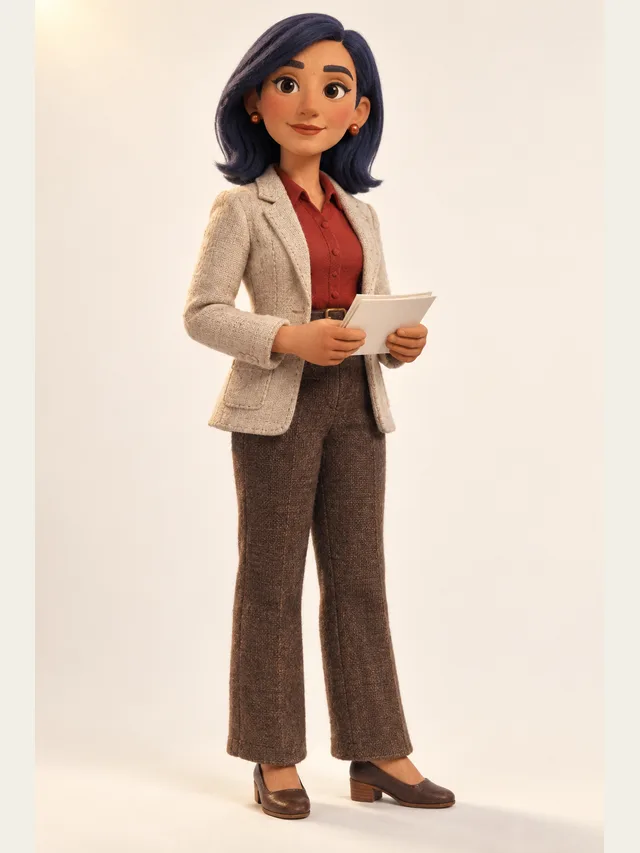
Noor
Newsreader clarity for exposition-heavy scenes
このページはまだ日本語になっていません。英語版を表示しています。
音声合成
Paste text, choose a voice, press play. CastDub's text to speech runs in the browser: forty AI voices in nine languages, an MP3 to download, and a free plan that does not ask for a card. It is built for scripts with several speakers, but it works just as well for one.
Noor
Newsreader clarity for exposition-heavy scenes
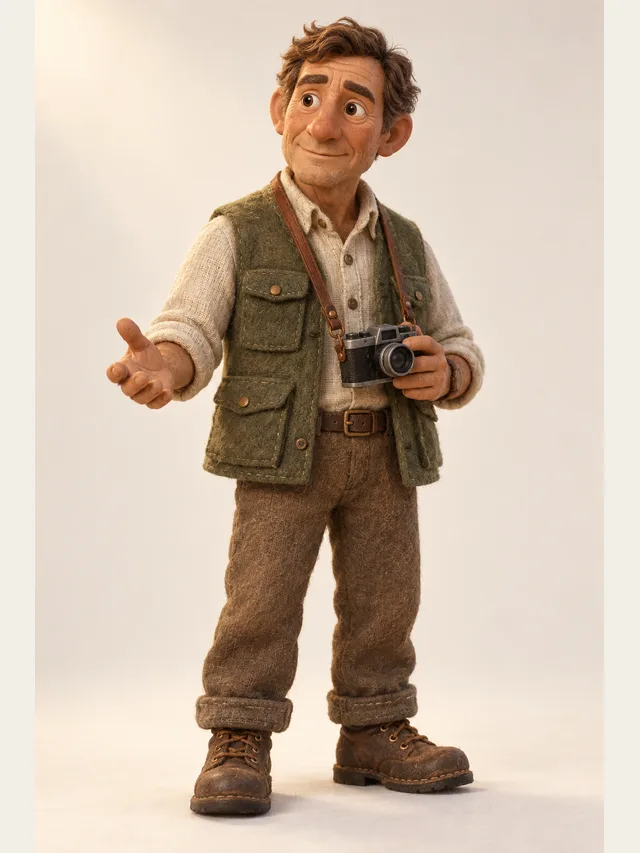
Hale
Documentary narrator with a hand on the listener's shoulder
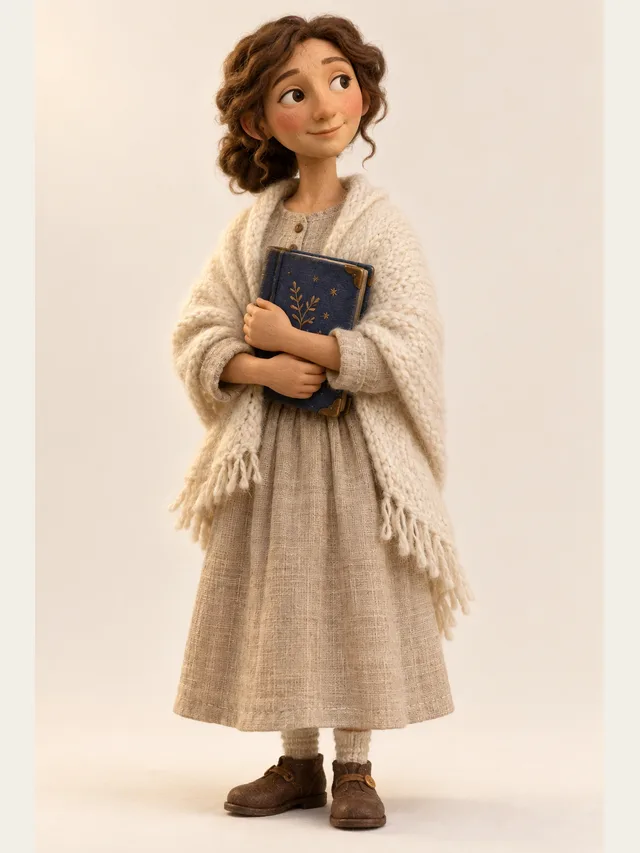
Wren
Bedtime-story narrator, slow and warm, never wakes anyone up

Quill
YouTube explainer voice that never sounds bored
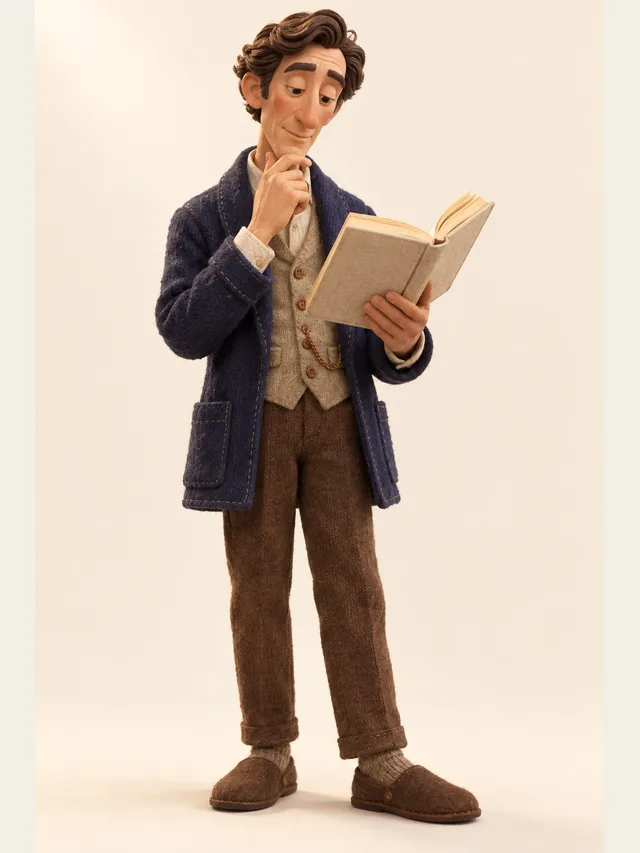
Dorian
Audiobook baritone for literary fiction and slow reveals
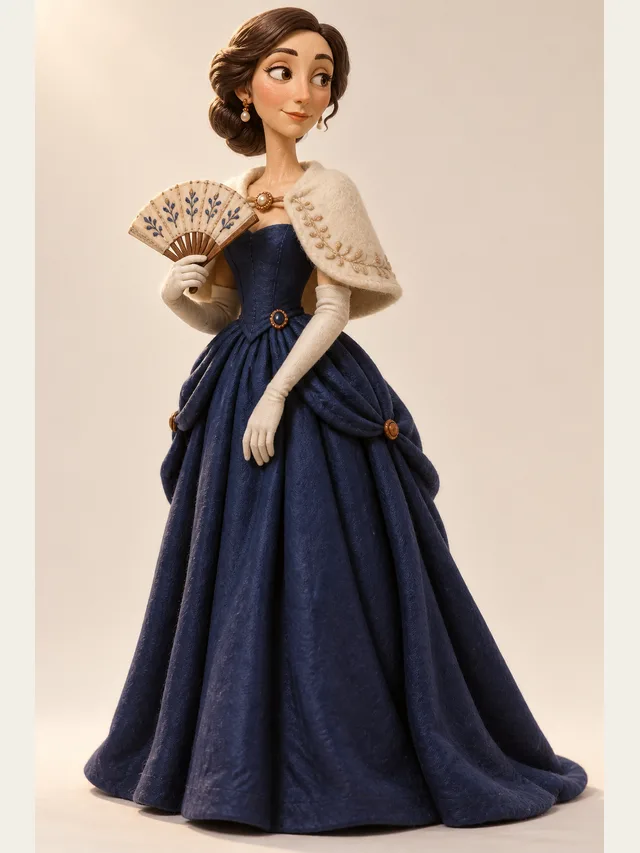
Solène
Continental accent, unhurried, very expensive sounding

Halcyon
Meditation-adjacent narrator for slow, quiet scenes
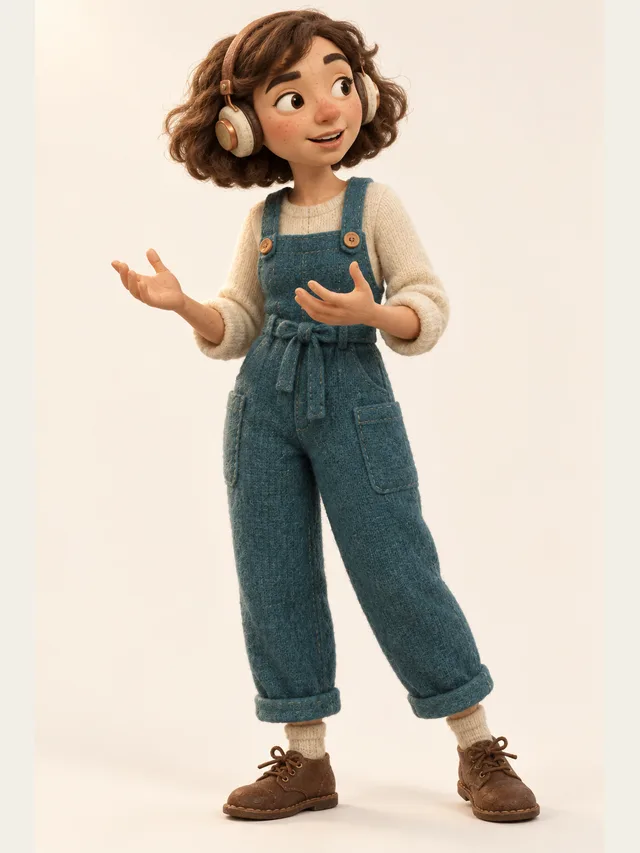
Juno
Podcast host who thinks out loud and never reads a script
Nothing to download or install. Open the studio in any modern browser, paste, listen. Projects are saved to your account, so a script you started on one machine is there on the next.
Every voice speaks English, Chinese, Japanese, Korean, Spanish, Portuguese, French, German and Russian, and every voice is on every plan including Free. Pick by persona — a newsreader, a bedtime narrator, an audiobook baritone — rather than by locale code.
Export a mixed MP3 on any plan, or a ZIP with one MP3 per line and a CSV of durations. Subtitles come out as SRT on Plus and Pro. There is no WAV option.
Write a name and a colon at the start of a line and that line goes to a second voice; everything else stays with the narrator. Ordinary online TTS gives you one voice per file. This one gives you a cast the moment the text turns into a conversation.
A note in parentheses at the start of a line — (whispering), (fast) — is performed rather than read out. On Plus and Pro each line has its own pace; on Pro, its own emotion. Punctuation is timing on every plan: a full stop pauses, a line break pauses longer.
A one-time balance worth about five minutes of finished English audio — more in Chinese, Japanese and Korean — and generating or auditioning does not spend it; only downloading does. The demo on the homepage runs without an account at all.
One paragraph or a whole script, as plain text. There is no file upload, so copy it out of the document. Names followed by a colon mark a second speaker; leave them out for a single voice.
Filter the forty characters by gender, age and style, then audition on your own first sentence rather than on sample text. A voice that suits the sample and not your text is a common way to waste ten minutes.
Each line is rendered on its own and takes a few seconds; generating the whole script runs several lines at once. Play the first few before you commit to the rest.
A mispronounced name gets respelled the way it sounds; a sentence that runs too fast gets split; a number that must be read a particular way is written out in words. There is no pronunciation setting, and you will not miss it.
A mixed MP3, or one file per line with a CSV of durations. Downloading is what spends the balance; listening does not.
Most tools that rank for the phrase are free in one of three ways: free for a few hundred characters, free with the voices you would actually want locked behind a plan, or free until you try to download. It is worth being precise about which kind this is. All forty voices are available on the Free plan. Listening and regenerating cost nothing. The balance — roughly five minutes of finished English audio, more in Chinese, Japanese and Korean — is spent only when you download, and it is a one-time balance rather than a monthly one. The Free plan also caps generation at 30 lines a day and is licensed for personal, non-commercial use.
Paid plans change the numbers, not the voices: a monthly balance in place of the one-time one, more lines a day, commercial use, and on Plus and Pro the per-line pace control and subtitles. Nothing about the sound of the voices changes when you pay.
Text written for the eye contains things that do not survive being spoken: long parenthetical asides, three nested clauses, a paragraph that relies on the reader glancing back. Ten minutes of adaptation — splitting sentences, cutting an aside, turning a list into a line per item — does more for the result than any voice setting. This is not a workaround for a limitation; it is the same edit a human narrator would ask for before a session.
Two habits matter most. Punctuate deliberately, because punctuation is the only timing control you have on the Free plan and the main one on any plan. And keep one idea per line: a sentence that swings from good news to bad is rendered as an average of both, and splitting it is the fix.
Numbers, dates and acronyms follow the conventions of the project's language and are usually right; text that mixes conventions is where mistakes appear. Audition the lines with figures in them first, and spell out anything whose reading matters.
If you want a web page or a PDF read aloud while you do something else, a reader extension is a better fit — it follows the text and does not ask you to paste. If you need a single voice reading an hour of prose with no direction, almost any online text to speech will do it, and some are cheaper per hour.
CastDub earns its place the moment the text has more than one voice in it, or the moment a line needs to be said a particular way. A dialogue, a presenter with a customer, a story with a narrator and characters, an explainer where the call to action should land differently from the paragraph before it: these are the cases where one flat voice per file stops being enough, and where casting and per-line direction — which is what this text to speech is built around — start to matter.
No. It runs in the browser; there is no desktop app and no extension. Sign in with Google or an email address, paste, and listen. The demo on the homepage does not even need an account.
The Free plan is free, with limits stated on the pricing page: a one-time balance worth about five minutes of finished English audio, 30 generated lines a day, all forty voices, and personal non-commercial use. No credit card is taken at sign-up.
English, Chinese, Japanese, Korean, Spanish, Portuguese, French, German and Russian — every voice in every one of them. Outside English each voice uses the general standard of the language; regional accents cannot be chosen.
Yes, as MP3: a single mixed file on every plan, or one file per line with a CSV of durations. Subtitles come out as SRT on Plus and Pro. There is no WAV export.
On Basic, Plus and Pro, yes. The Free plan is for personal, non-commercial use — a licensing term, not a technical one; the audio is identical.
No, only pasted text. Copy the text out of the file and paste it in; standard screenplay layout and "Name: line" pairs are recognised as speakers, everything else is read by the narrator.
台本を貼り付ければ、CastDubが登場人物一人ひとりに声を割り当てます。あとは完成したボイスドラマを書き出すだけです。
無料で作ってみるクレジットカードは不要です。無料枠は一度きりの持ち分です。