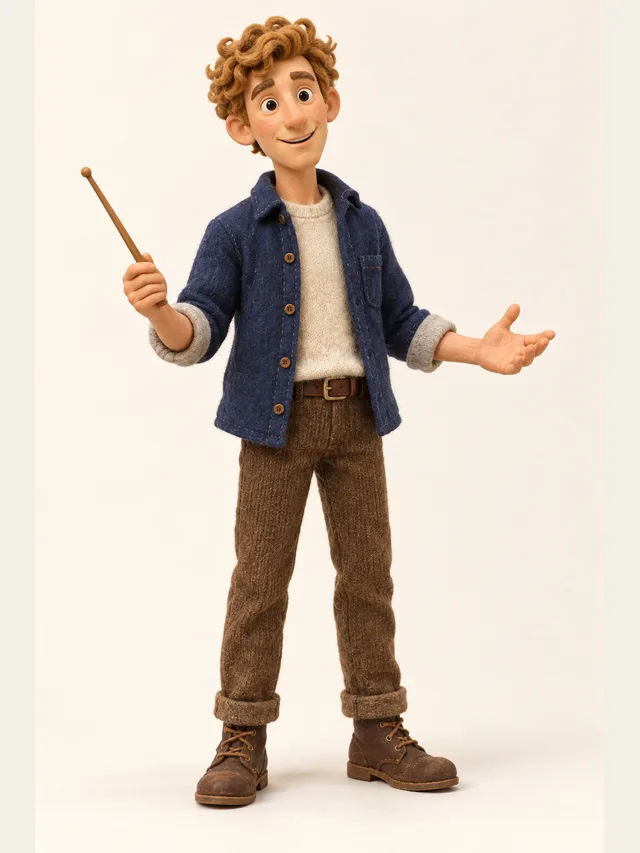
Quill
YouTube explainer voice that never sounds bored
Этой страницы пока нет на русском — показана английская версия.
Процесс
A voice over is the simplest thing text to speech does, and the one most tools get slightly wrong: one flat voice reading the whole script at one speed. This page is for the script that has a narrator and at least one other voice — a presenter and a customer, a host and a guest, an explainer with a character in it — rendered free, in the browser, as an MP3 you can lay under your video.
Paste the whole script. Lines that start with a speaker's name go to a different character; everything else is read by the narrator. You get a single mixed MP3 with the pauses already in it, so the usual voice over routine — render each part separately, then line them up in an editor — disappears.
A line can be told how to be said. A note in parentheses at the start of a line — (warmly), (as if reading a warning label) — is performed rather than read aloud. On Pro, each line can also carry its own emotion; on Plus and Pro, its own pace. A voice over that changes gear at the right moment sounds recorded rather than generated.
Every plan, including Free, can use any of the forty library characters, and each of them speaks English, Spanish, Portuguese, French, German, Russian, Chinese, Japanese and Korean. Voices are personas rather than a menu of accents: you pick the presenter you want, not a locale code.
The Free plan comes with a one-time balance good for about five minutes of finished English audio, and generating or auditioning lines does not spend it — only exporting does. No credit card is asked for at sign-up, and the demo on the homepage runs without an account at all.
Quill
YouTube explainer voice that never sounds bored
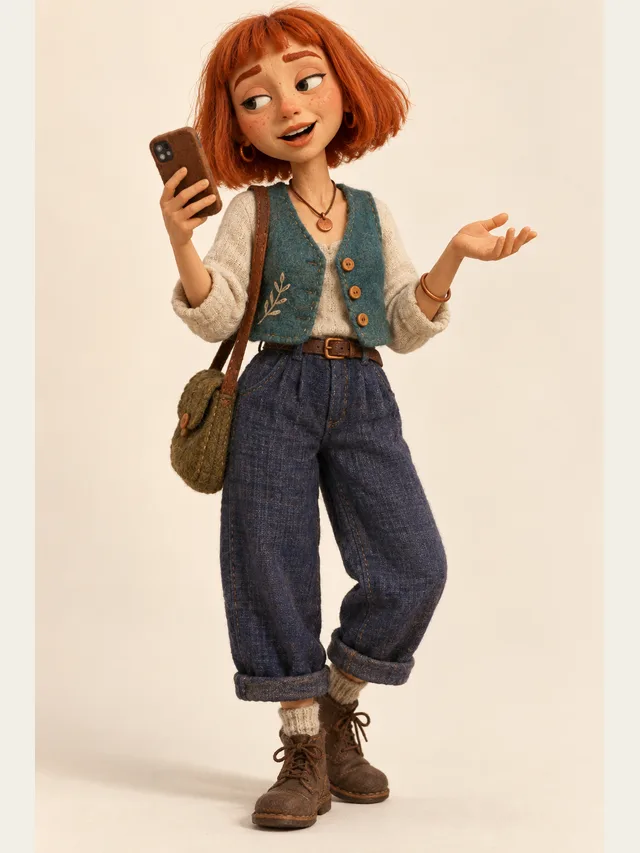
Indie
TikTok voiceover: fast, flat, faintly amused
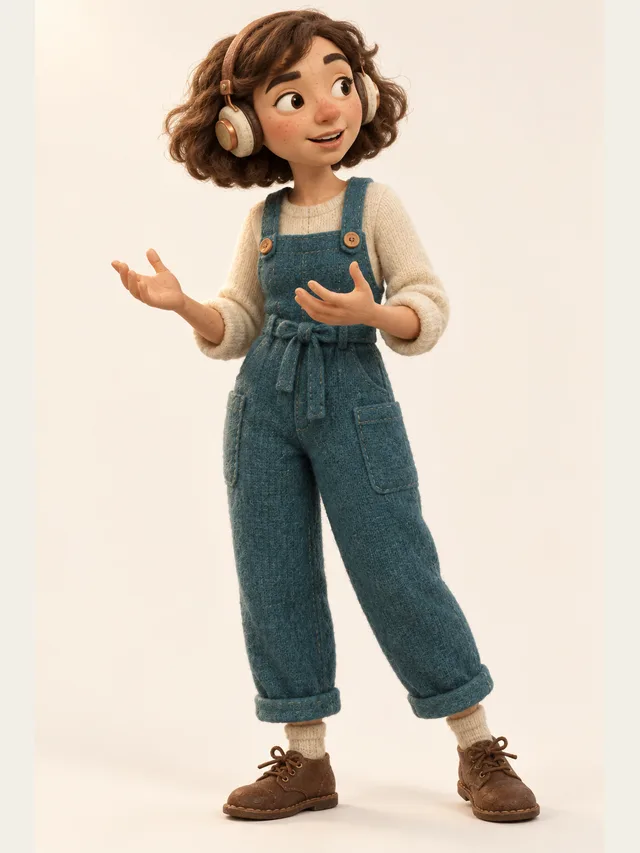
Juno
Podcast host who thinks out loud and never reads a script
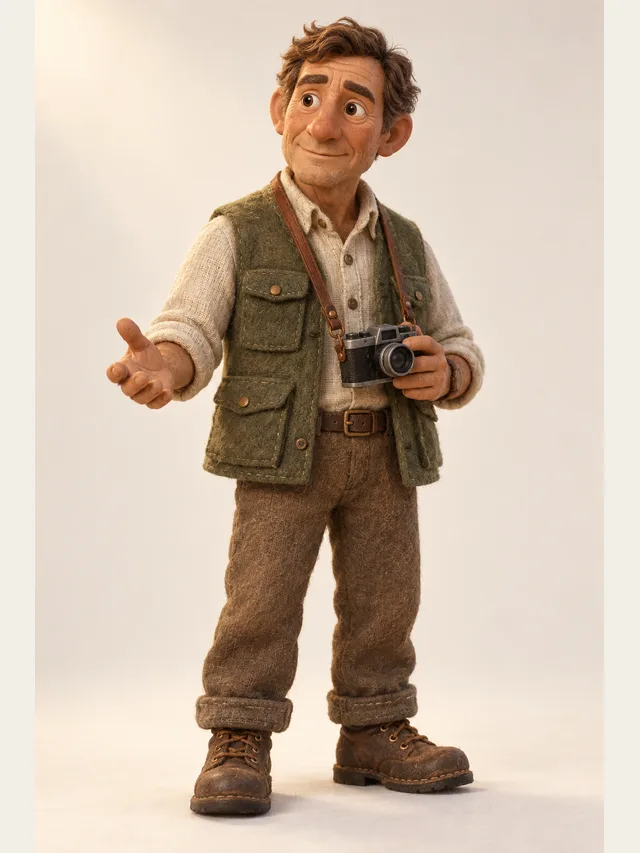
Hale
Documentary narrator with a hand on the listener's shoulder
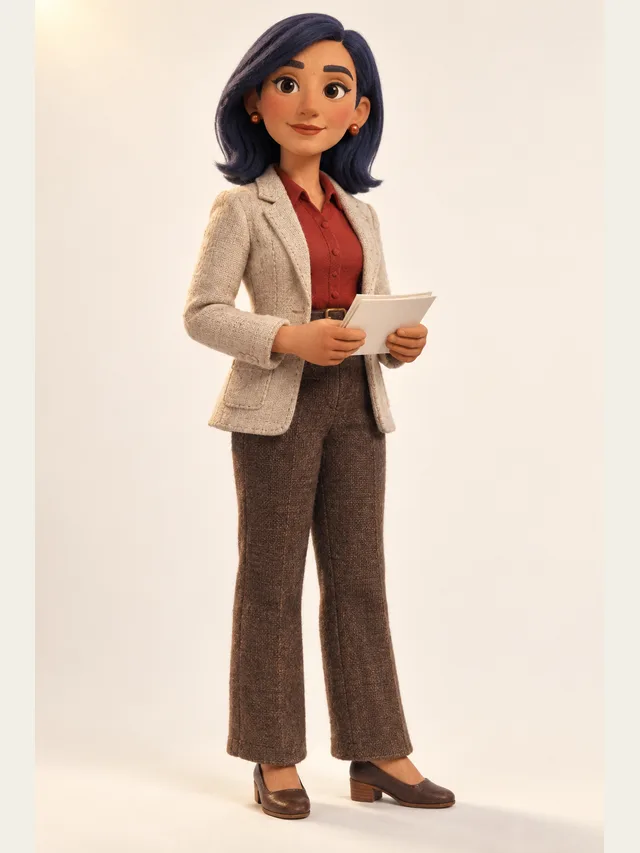
Noor
Newsreader clarity for exposition-heavy scenes
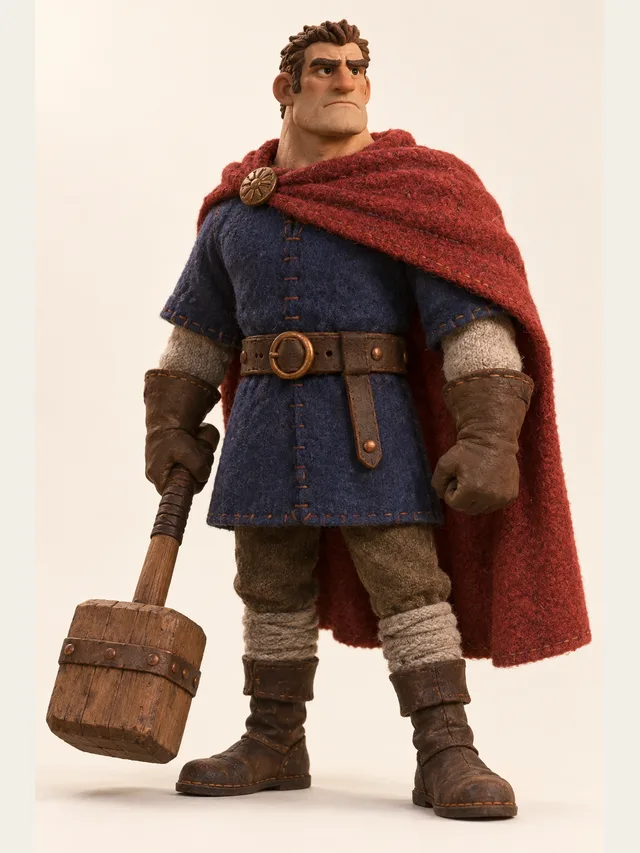
Duke
Trailer voice. Three words per breath. All of them heavy.
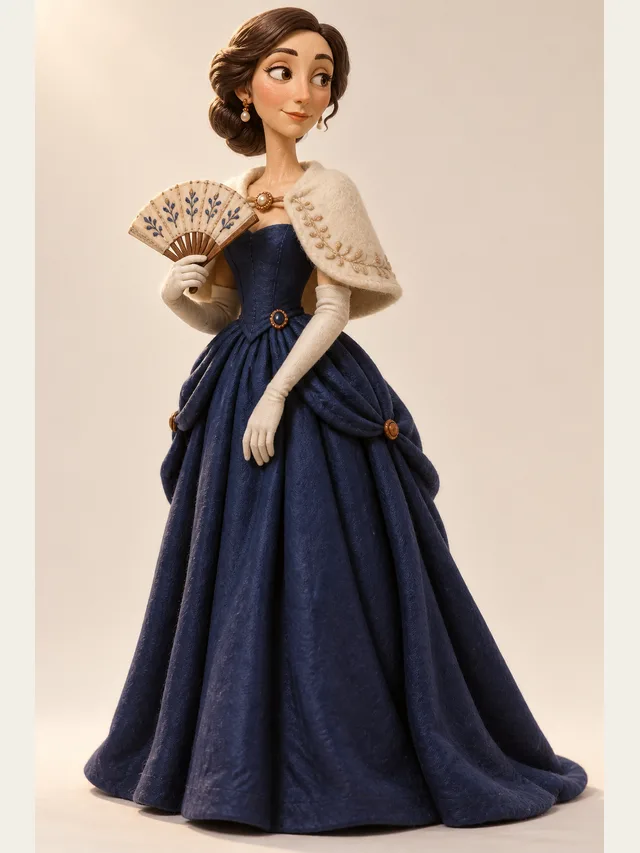
Solène
Continental accent, unhurried, very expensive sounding

Beaudie
Australian field guide who finds everything hilarious
Plain text, pasted. If the script has more than one voice, put the speaker's name and a colon at the start of those lines; unlabelled lines are read by the narrator. There is no file upload, so copy the text out of your document.
Pick the character who carries most of the script, and audition on your own first sentence rather than on sample text. Quill and Hale are the safe explainer choices; Noor for anything that has to sound like news; Duke only if you actually want a trailer.
Punctuation is your timing: a full stop is a pause, a line break a longer one. A sentence that carries two ideas is read as an average of both, so break it in two.
On Plus and Pro, take the narrator a notch slower than feels right in the editor. Almost every first voice over is too fast for someone who is also watching a screen.
Listen once at full length before editing anything. Direct only the lines where the video turns — the reveal, the call to action — and leave the rest neutral.
Download the mixed MP3 on any plan, or the per-line ZIP with a CSV of durations if you need to slide individual sentences to picture. Subtitles come out as SRT on Plus and Pro at no extra cost.
Three things, in order. Pace: a voice over sits under pictures, and a listener who is also reading a screen needs the words to arrive slightly slower than in conversation. Most generated voice overs fail here first, not because the voice is wrong but because it is quick and even, and evenness reads as indifference. Clarity: product names, numbers and acronyms are the parts people actually need, and they are the parts a synthetic voice most often trips on. Register: an explainer, an advert and a compliance module want three different presenters, and a tool with one house voice cannot give you that.
CastDub approaches all three from the script rather than from a settings panel. Pace is set per line on Plus and Pro and, on every plan, by punctuation — a full stop is a real pause, an ellipsis a longer one, a line break a gap. Clarity is handled by auditioning the difficult words on their own and fixing them in the text. Register is a casting decision: forty characters with written personas, from a newsreader to a bedtime narrator to an arena announcer, and any of them can be the narrator.
The part that most voice over tools do not attempt is the second voice. Explainers keep sneaking dialogue in — a customer asking the question the video answers, a colleague objecting, a testimonial read in someone else's voice — and in a one-voice tool those lines are either read flat by the narrator or produced separately and glued on. Here they are lines with a name in front of them, cast to a second character, mixed into the same file with the right gap before and after.
An explainer wants a presenter who sounds interested in the subject without performing interest. Quill was written for exactly this, and Hale is the calmer alternative for anything longer than three minutes. Keep sentences short, put the product name on its own line the first time it appears so you can audition it, and write the transitions — "here is the catch", "so what does that mean for you" — as separate lines, because those are the moments the voice should change gear.
Adverts and trailers are the one place where a pushed read is correct. Duke exists for the thirty-second spot; Axel for the sports-adjacent version of it. The trick is contrast: two lines pushed, the rest plain. A whole advert at trailer intensity is exhausting by the second sentence, and the call to action lands harder if the line before it is quiet.
E-learning and compliance modules are the largest voice over category by volume and the most sensitive to pace. Learners replay, so a slightly slow read is a feature. Noor's newsreader clarity suits definitions and procedures; Wren or Halcyon suit anything meant to lower the temperature. If the module includes a scenario — a manager and an employee, a customer and an agent — write it as a dialogue with names, and the scenario will be performed by two people instead of narrated by one.
Narration is a voice over that carries a story rather than a message; the same tools apply, but the casting leans towards the audiobook and bedtime voices, and the script leans towards longer sentences. Dubbing is something else again: it means replacing the speech already in a video with speech in another language, timed to the picture and ideally to the mouths. CastDub does not take a video as input and does not do that. What it does is generate the replacement track from a script you supply — which is most of the work of a simple dub, provided you translate the script yourself and are prepared to slide lines to picture afterwards.
If your actual need is to take an existing video and get it speaking another language automatically, a dedicated dubbing tool will serve you better. If your need is a clean, directed voice track from a script — in any of nine languages, with more than one voice when the script calls for it — that is what this page is for.
There is no video import and no timeline here; the timing work happens in whatever editor you cut the video in. Two exports make that work easy. The mixed MP3 is the fast path: lay it on the timeline, and if the whole track runs a little long, trim the pauses between paragraphs rather than speeding up the voice. The per-line ZIP is the precise path: one MP3 per sentence and a CSV that lists each line's speaker, text and duration in milliseconds, so you can place every sentence exactly where the picture needs it.
Two habits save time. Write the script in the order the pictures will appear, with one visual beat per line, so the line list already matches your shot list. And decide the length before you record — a sixty-second video with a hundred and eighty words of script is going to be fast whatever voice reads it, and no amount of direction fixes a script that is simply too long for its slot.
Expect generated speech to run slightly faster and more evenly than a human session, and to leave no room for on-screen action unless you write it in. A line consisting of a few dots is the simplest way to reserve a beat for the picture; a line break between sentences is the second simplest.
Free
US$0 / мес.
Послушайте, как звучит ваш сценарий с распределёнными ролями, ещё ничего не заплатив.
Basic
US$5 / мес.
Откройте всю библиотеку голосов и начните забирать готовое аудио.
Plus
US$19 / мес.
Темп в ваших руках: признание — медленнее, ссору — быстрее.
Pro
US$29 / мес.
Тариф для аудиоспектакля: у каждой реплики своя эмоция, у каждого персонажа своя дорожка.
Yes, within limits that are written down rather than discovered later. The Free plan has a one-time balance worth roughly five minutes of finished English audio (more in Chinese, Japanese and Korean, which cost fewer characters per minute), a daily cap of 30 generated lines, and it is for personal, non-commercial use. Paid plans reset monthly and allow commercial use. No credit card is asked for at sign-up.
On a paid plan, yes — commercial use is part of Basic, Plus and Pro. On Free the licence is personal and non-commercial, so a monetised channel needs a paid plan. That is a term of service rather than a technical limit; the audio itself is the same.
A mixed MP3 on every plan, and a ZIP with one MP3 per line plus a CSV of durations on every plan. Separate stems per character on Pro, and an SRT subtitle file on Plus and Pro. There is no WAV export.
You choose a character, not an accent. In English the library includes British, American and Australian personas; outside English each voice speaks the general standard of that language — Latin American Spanish, Brazilian Portuguese, Mandarin — and regional accents are not selectable.
In the text. There is no pronunciation dictionary, so respell the word the way it sounds, hyphenate a compound, or write a number out in words if it matters how it is said. Audition the name on its own before rendering the whole script.
No — a regenerated line is a new take: same character, same voice, slightly different delivery. A rendered line keeps its audio until you edit that line, so a voice over you have approved does not drift. Regenerate when you want another read, not when you want the same one again.
Вставьте сценарий, дайте CastDub подобрать голос каждому персонажу и экспортируйте готовый аудиоспектакль.
Создать бесплатноКарта не нужна. Free даёт разовый запас кредитов.